Kolekti home
Kolekti will be at Team '26! Booth number revealed
Read more

The Jon Kern Agile Framework Hub

Here are the 10 templates for Confluence that every agile team needs, filled with expert advice from the Agile Manifesto co-author Jon Kern.
A colourful, collage-style image of three Confluence pages stacked on top of each other and a pair of runner's legs launching from a starting block

Who is Jon Kern?

Jon Kern is a seasoned software engineer and co-author of the Agile Manifesto: the document that launched the agile movement. In the 25 years since, he has helped endless teams accomplish their goals through pragmatic, humane, and collaborative ways of working, drawing on decades of hands-on experience with real teams and real projects.

What is the Agile Manifesto?

The Agile Manifesto (also known as the Manifesto for Agile Software Development) was the result of 17 minds from across the field of software development and programming coming together to find an alternative to the heavyweight, documentation-driven processes that set the standard at the time. The result was a document outlining four pillars and 12 principles that make up a new methodology.

A headshot of Jon Kern against a teal background

Meet Jon Kern’s Agile Framework templates

To celebrate the 25th birthday of the Agile Manifesto, Jon Kern has collaborated with Kolekti (the brand behind Mosaic for Confluence) to create 10 templates that will guide teams through the key processes and lightweight documentation involved in agile development. Not only do these templates outline the structure and order of activities, but they're also filled with expert tips and advice straight from Jon Kern himself.

Without further ado, meet the templates:

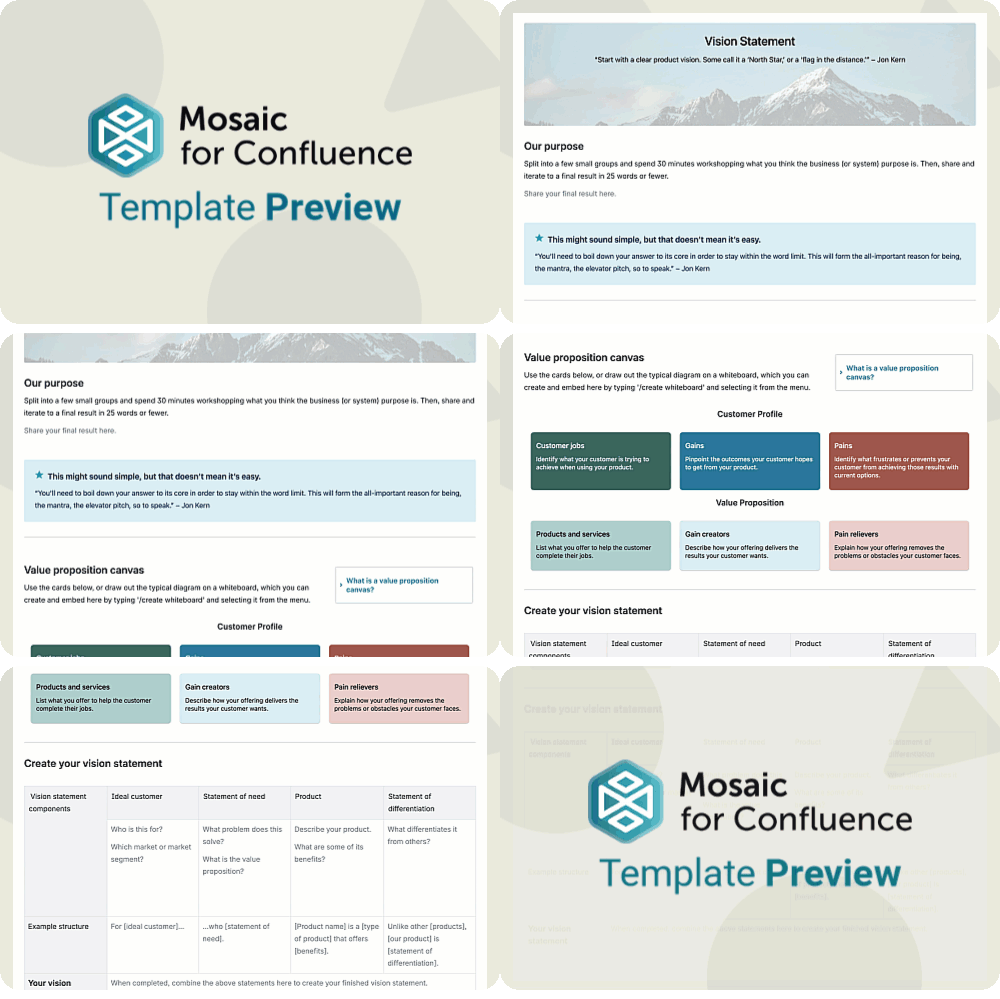
1. Vision Statement

A vision statement paints a clear picture of the future you want to create for your customers and your business. It defines your purpose and creates focus, guiding every decision as your team turns big ideas into meaningful outcomes.
The Agile Vision Statement Template guides you through the process of writing and finessing your vision statement collaboratively, so that the result is as truthful, concise, and helpful as it can be.
A scrolling GIF of the Agile Vision Statement Template for Confluence

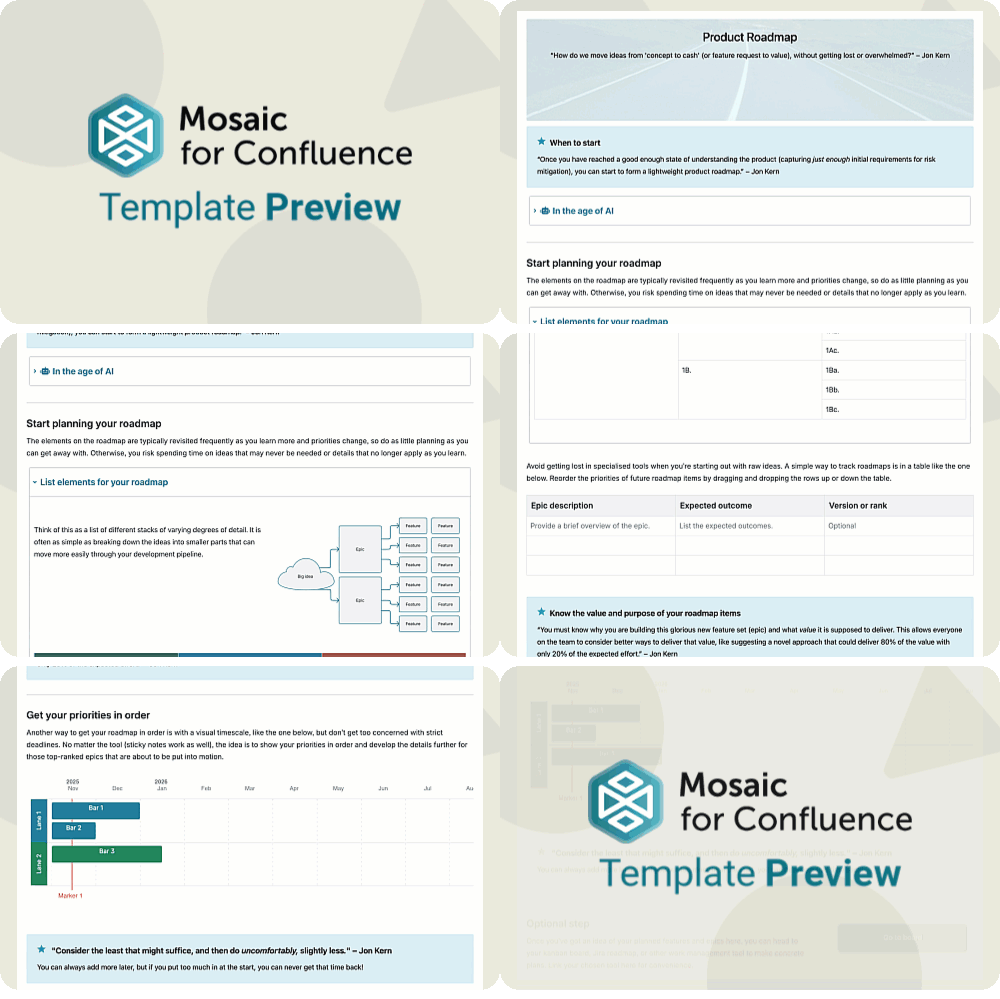
2. Product Roadmap

The Agile Product Roadmap Template connects your vision to action by helping your team organise their big ideas into epics and features before ordering by priority. It provides a shared view of where the product is heading and how each step contributes to achieving long‑term goals.
A scrolling GIF of the Agile Product Roadmap Template for Confluence

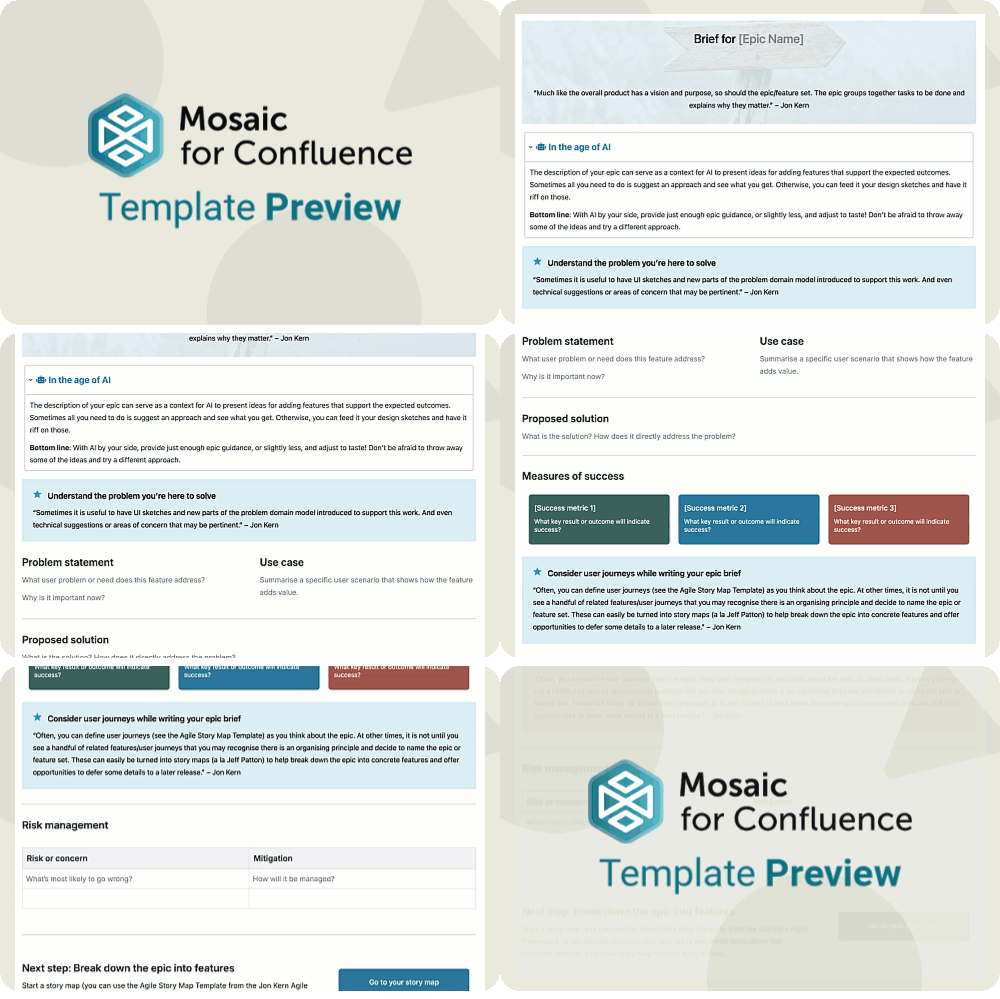
3. Epic Brief

An epic brief brings focus to a major area of work by framing the problem, the audience, and the outcomes you're aiming for.
The Agile Epic Brief Template helps you outline the problem an epic will solve and how it will solve it, helping your team stay focused on the solution, track success, and plan for potential risks.

A scrolling GIF of the Agile Epic Brief Template for Confluence

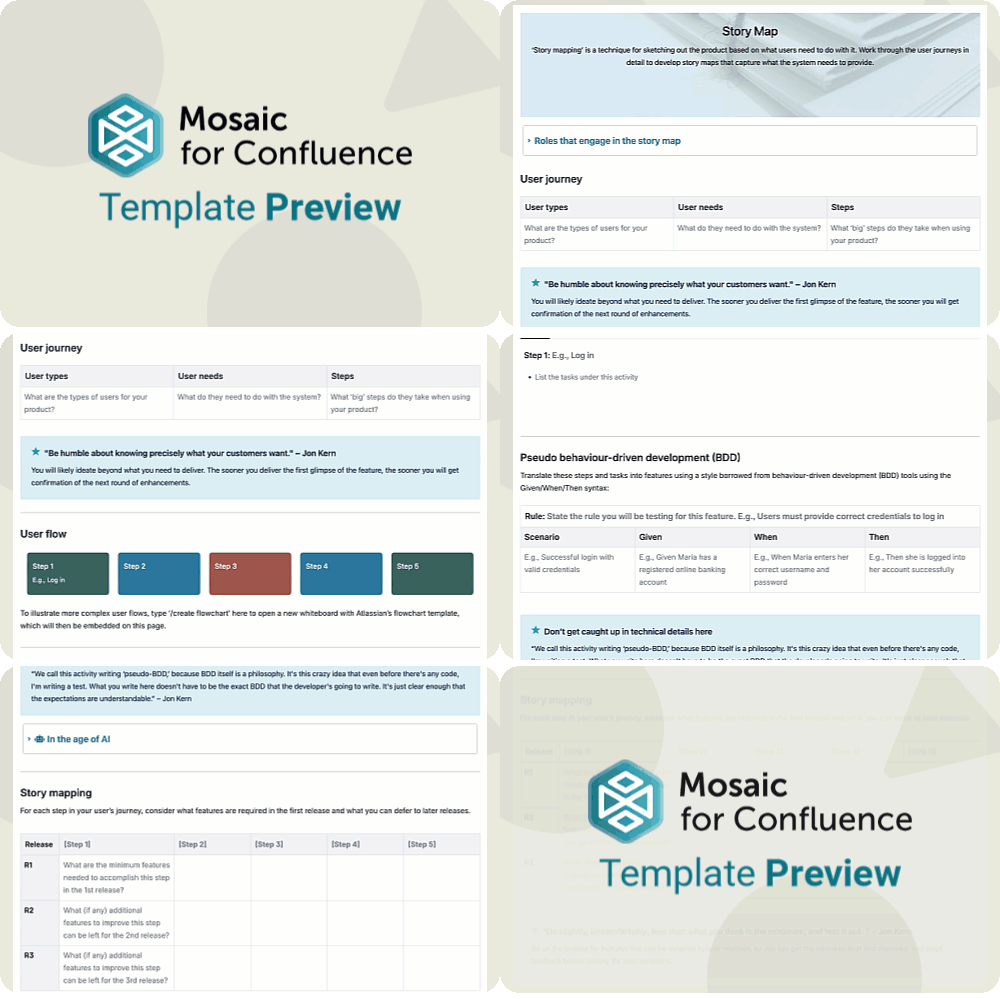
4. Story Map

‘Story mapping’ is a technique for sketching out the product based on what users need to do with it.
The Agile Story Map Template helps you lay out the user journey step by step, showing how people will interact with your product to reach their goals. This lets you see the whole experience and guides your decision-making to ensure every part of the journey works together seamlessly.

A scrolling GIF of the Agile Story Map Template for Confluence

5. Definition of Ready

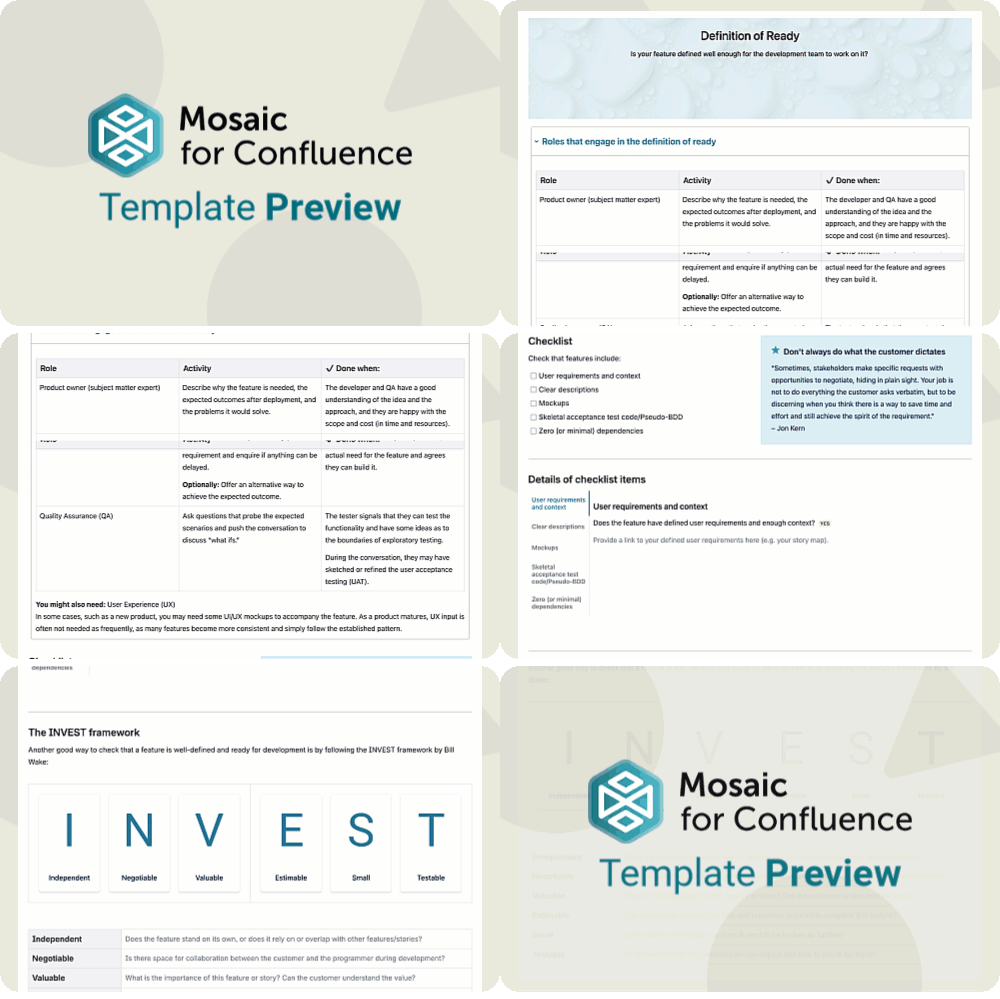
A definition of ready builds confidence that a piece of work is truly ready for development. It provides a shared understanding of what’s needed for a smooth start and efficient delivery.
The Agile Definition of Ready Template provides you with adaptable checklists and frameworks you can use to decide when your work is ready for development and when it needs more refinement.

A scrolling GIF of the Agile Definition of Ready Template for Confluence

6. Sprint Goal

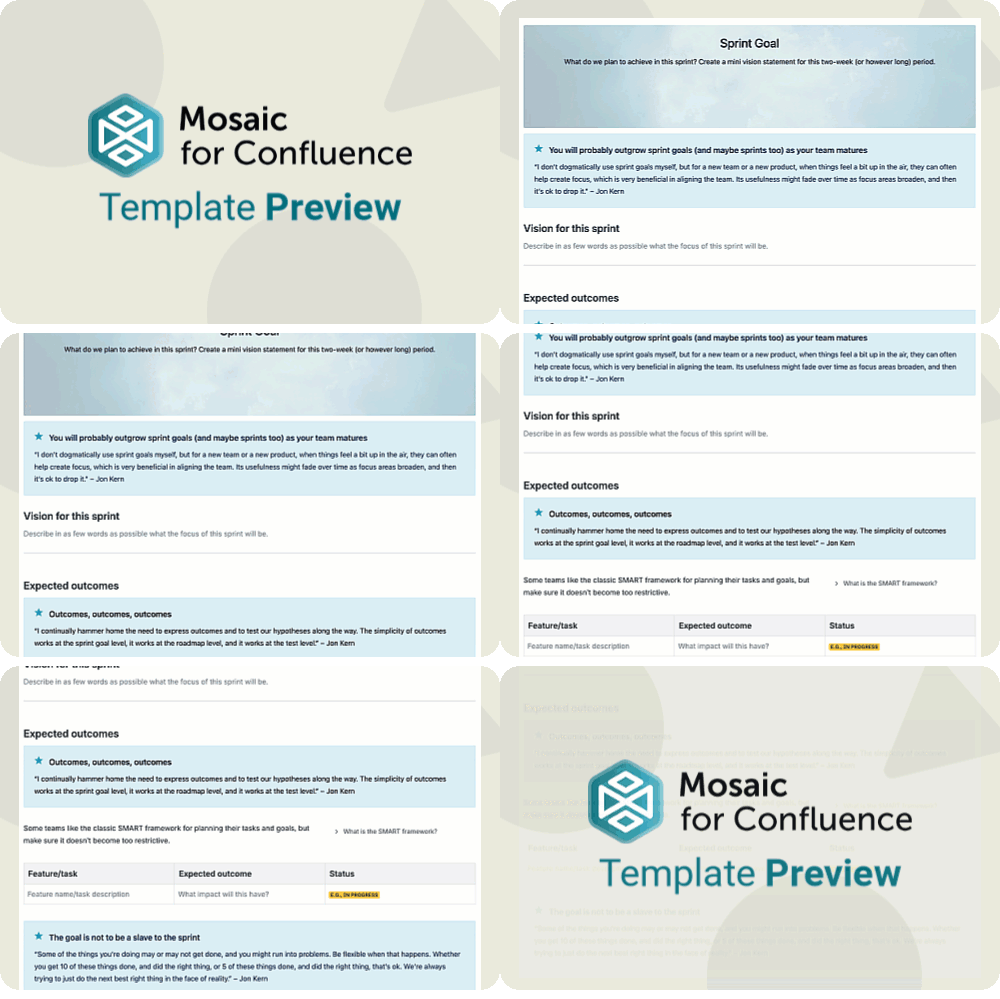
A sprint goal captures the main outcome your team is striving for in a single sprint. It gives focus, direction, and meaning to the work, helping everyone pull together toward a common purpose.
The Agile Sprint Goal Template guides you to write a vision (similar to the vision statement, but with a miniature version for each sprint) and decide on features and tasks to focus on, based on how their expected outcomes align with the main goal.

A scrolling GIF of the Agile Sprint Goal Template for Confluence

7. Kanban Board

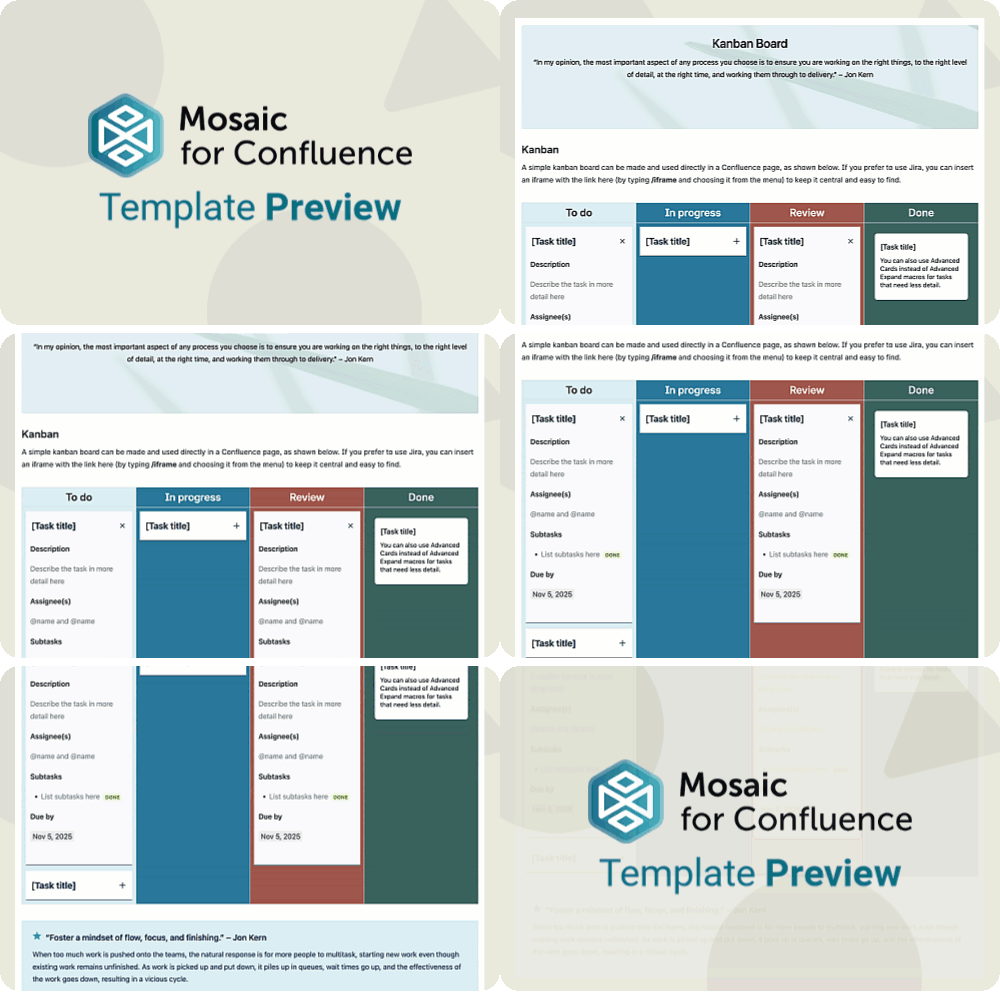
A Kanban board is a visual space to track your work as it moves from ‘to do’ to ‘done’, helping the team stay aligned on progress, spot bottlenecks early, and keep focus on delivering value.
The Agile Kanban Board Template provides an easy-to-use Confluence solution where other tools can overcomplicate the method. Simply add, delete, and drag-and-drop tasks across the columns to keep track of work in progress.

A scrolling GIF of the Agile Kanban Board Template for Confluence

8. Retrospective

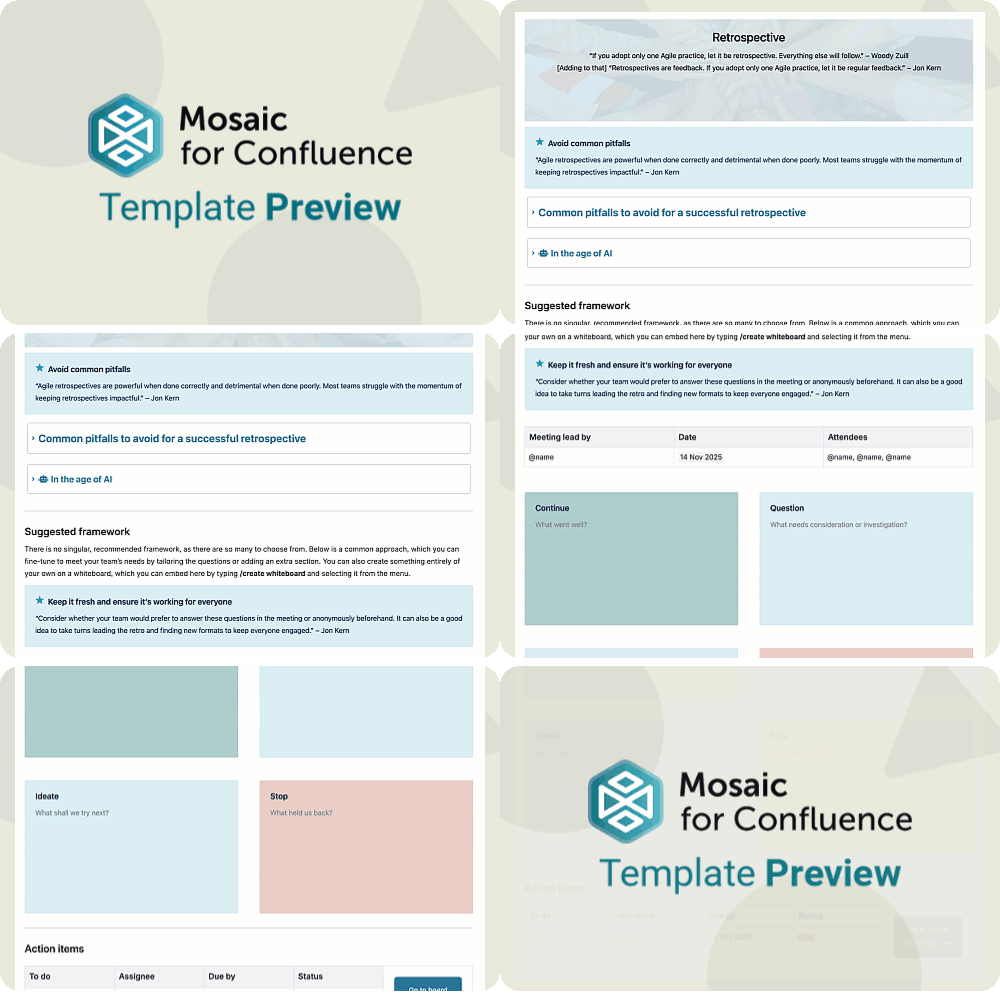
A retrospective is a moment for the team to pause, reflect, and learn. It turns recent experiences into practical improvements that make each sprint or project run better than the last.
The Agile Retrospective Template lays out a simple, adaptable structure for retrospectives and offers guidance, such as tips and pitfalls to avoid, straight from Jon Kern himself.

A scrolling GIF of the Agile Retrospective Template for Confluence

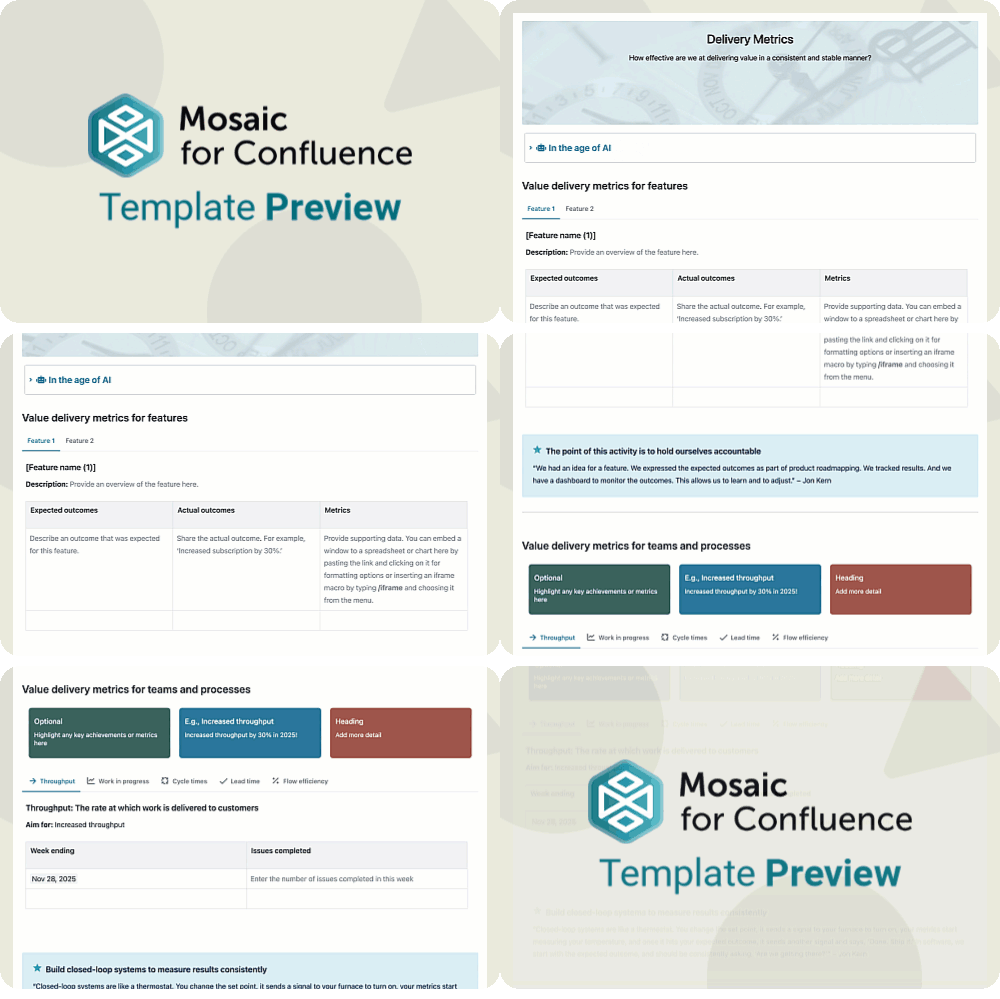
9. Delivery Metrics

Delivery metrics provide insight into how effectively your team turns ideas into results. They reveal patterns in speed, reliability, and flow, helping you fine‑tune your delivery process over time.
The Agile Delivery Metrics Template provides guidance on several metrics you can use to track agile work and offers a clutter-free space to view metrics on multiple features at once by storing them in tabs.

A scrolling GIF of the Agile Delivery Metrics Template for Confluence

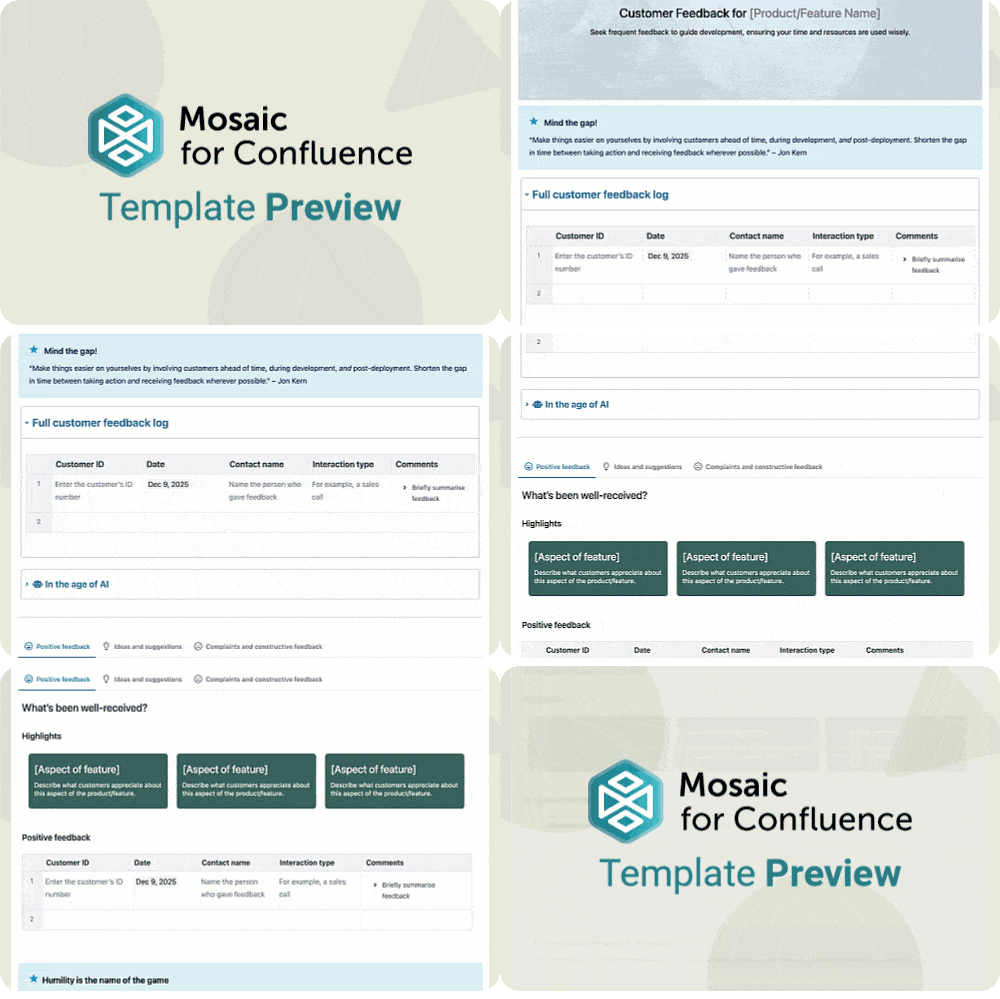
10. Customer Feedback Log

A customer feedback log is a place to capture what users are saying about your product. It turns comments, interviews, and insights into valuable input for shaping decisions and staying connected to real needs.
The Agile Customer Feedback Log Template allows you to store a lengthy list of all your customer feedback in one place without overtaking the page by storing it in a collapsible section, and for a clearer overview, you can divide your feedback into categories (our template uses ‘Positive feedback’, ‘Ideas and suggestions’, and ‘Complaints and constructive feedback,’ but these are customisable to suit your team).
A scrolling GIF of the Agile Customer Feedback Log Template for Confluence

Ready to get started with Jon Kern’s agile templates?

Want to use one (or all) of these templates? Simply install Mosaic for Confluence and choose the one you want from the Confluence templates library.
Once you've installed Mosaic, follow these steps:
  1. Create a new page or live doc in Confluence, then click All templates from the bottom menu.
  2. Click on the templates search bar and type ‘Mosaic Agile’.
  3. Select the template you want to get started, or hover over it for a preview.
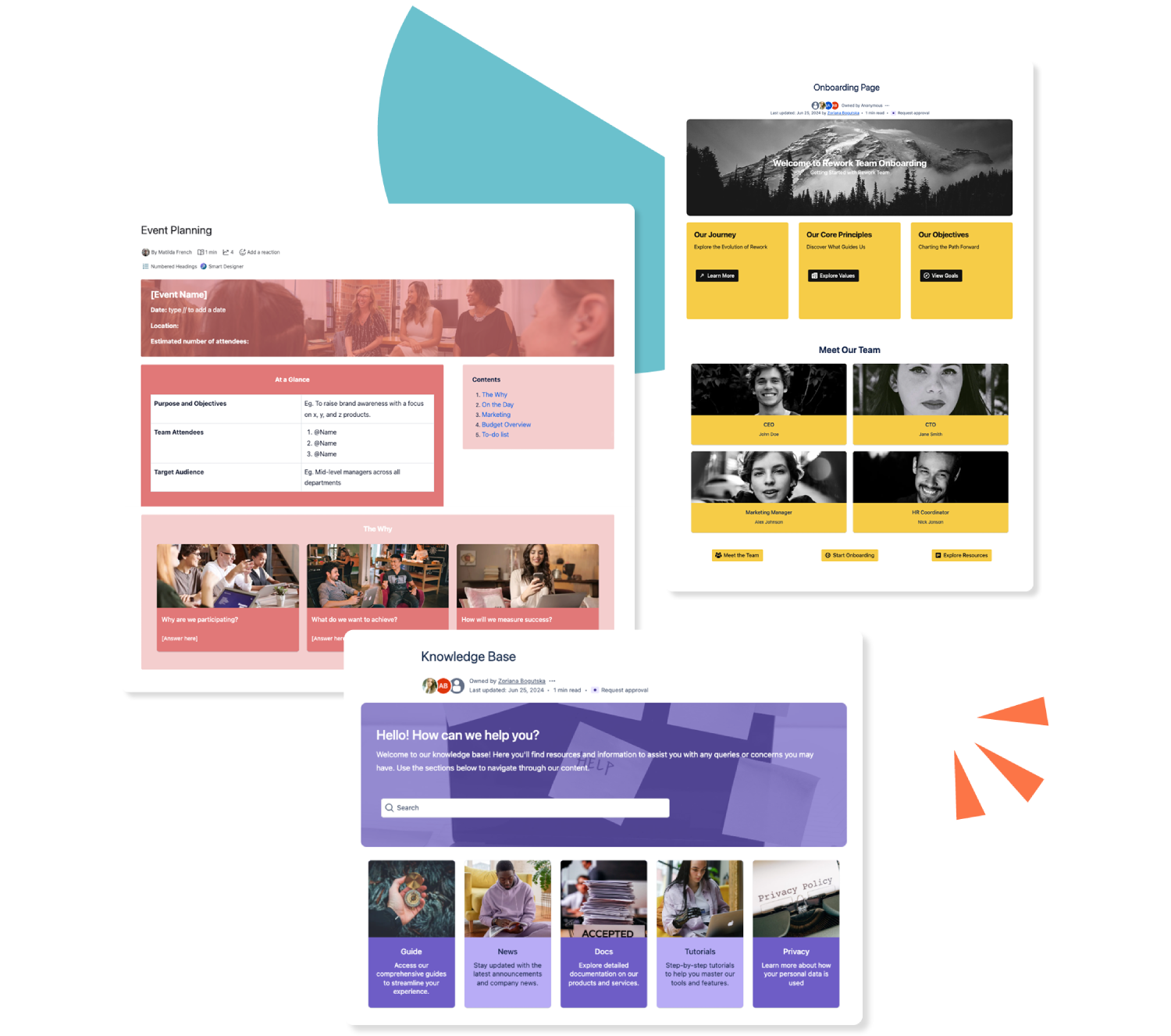
Three colourful Confluence templates stacked over each other

Get this template and more with Mosaic

Try Mosaic completely free for 30 days and see how much time you save with our range of engaging templates.

Explore more Confluence templates

A how-to article template on Confluence

Confluence How-to Article Template

A how-to article gives an at-a-glance overview of everything to do with your business. Use our how-to article template today.
Read more
A Confluence template for documentation

Confluence Documentation Template

Ensure readers can (and do!) readily consume your important content with our easy-to-use documentation template.
Read more
A template for a knowledge base in Confluence

Confluence Knowledge Base Template

Make your Confluence knowledge base a space of beauty, with dynamic elements to make everyone stare! Our customisable templates make it easy.
Read more