Get more from Mosaic with Advanced Edition
Looking for smarter space management, greater data control, and brand consistency? Future-proof your Confluence investment with Mosaic Advanced Edition.
How we help you get more from Confluence

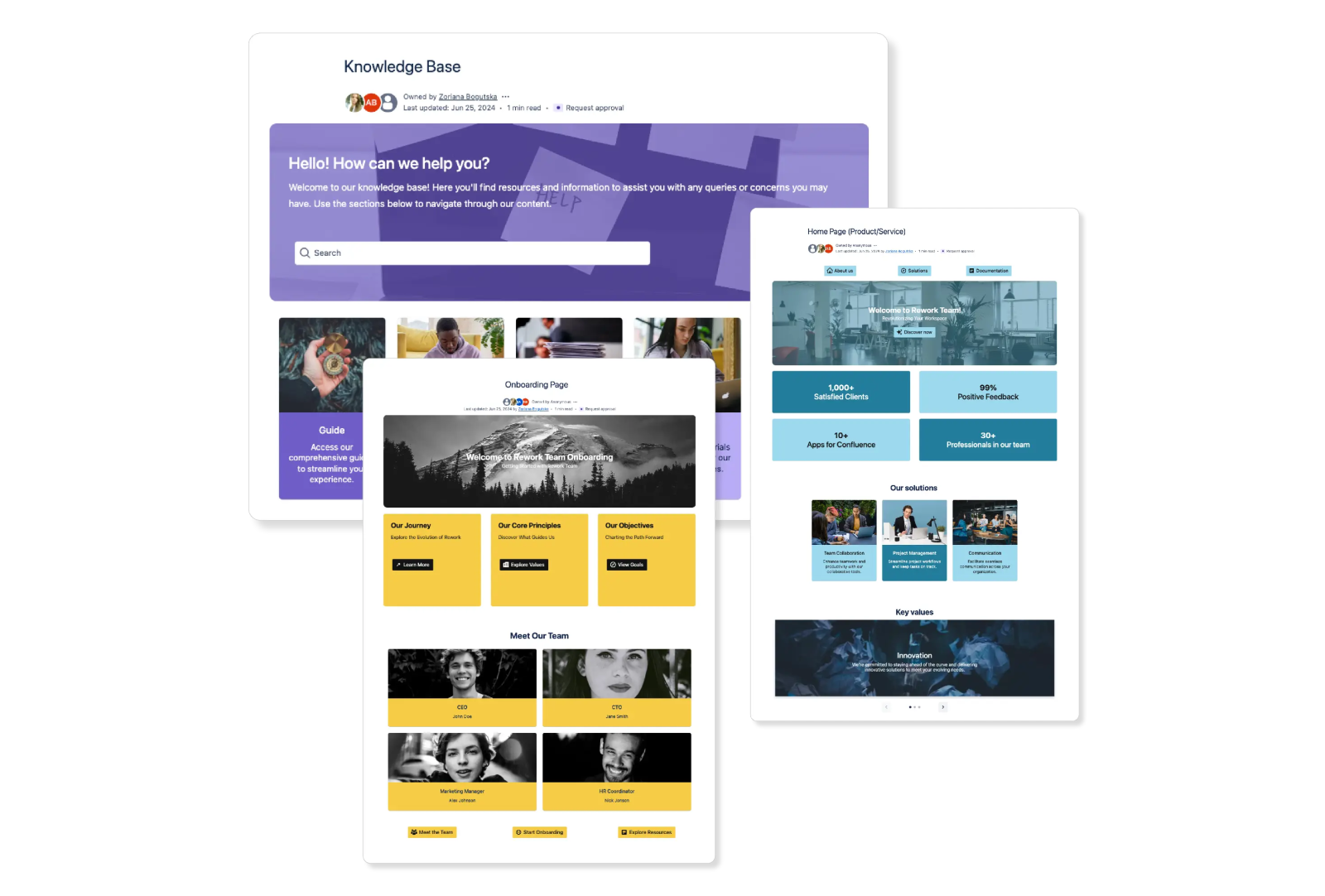
Faster, better content formatting
Design engaging pages in minutes (or less).

Professionally-branded pages
Easily create pages to suit your brand guidelines.

Smarter space management
Make tedious tidy-up tasks quick and easy.

Higher return on investment
User-friendly pages encourage greater Confluence adoption.

Included with Mosaic Advanced Edition
Managing spaces, now easier than ever
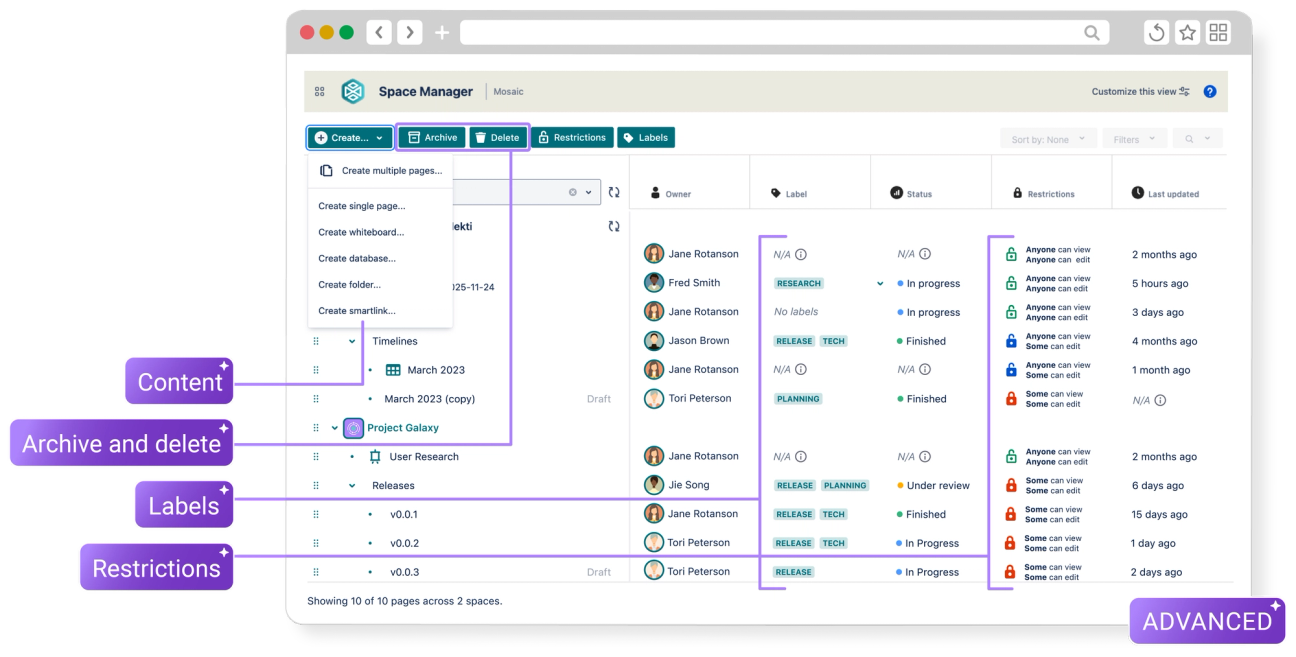
Space Manager helps you scale your content creation and management:
✔︎ View all your content in one handy place
✔︎ Bulk create, move, edit, archive, and delete pages across spaces
✔︎ Build complete content trees in minutes with page presets and templates
✔︎ And more!
Space Manager's no-code, intuitive dashboard means everyone can enjoy improved space management.
We have a lot of spaces, and simple housekeeping tasks used to take forever. Being able to update things in bulk instead of clicking through every page has saved us a ridiculous amount of time.
Maria N
Atlassian Marketplace Review
Go further with Mosaic Advanced
Centralise your brand assets (colours, images, and icons) for easy access directly from the Mosaic editor.

Secure your content with AI-free Smart Designer and manage in-app communications and analytics with easy-to-use admin toggles.

Get 24/7 premium support with guaranteed rapid response times.

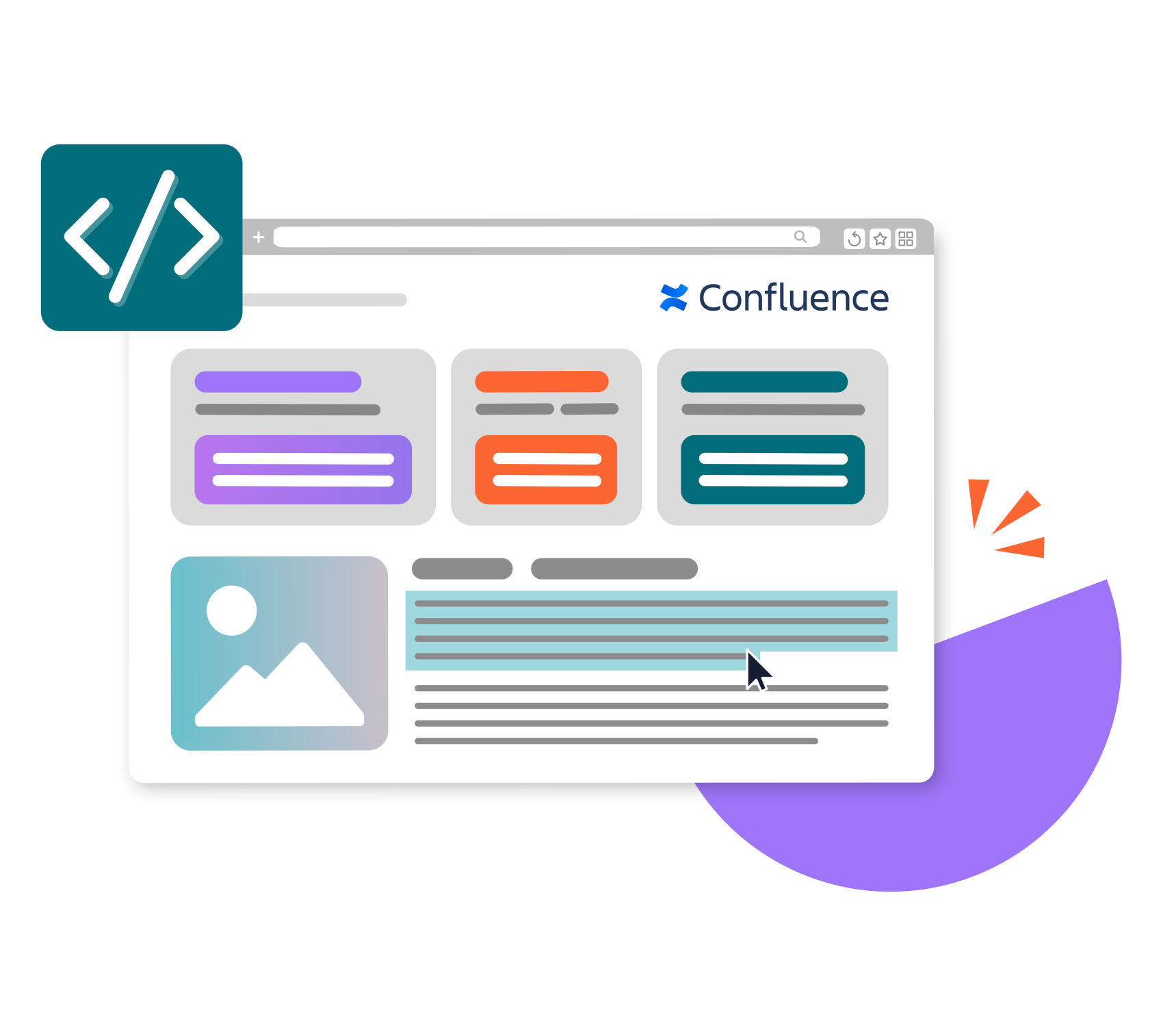
Advanced Edition adds JavaScript support to Mosaic’s standard HTML macro, which is sanitised and fully controlled by admins for security.
Centralise your brand assets (colours, images, and icons) for easy access directly from the Mosaic editor.
Secure your content with AI-free Smart Designer and manage in-app communications and analytics with easy-to-use admin toggles.
Get 24/7 premium support with guaranteed rapid response times.
Advanced Edition adds JavaScript support to Mosaic’s standard HTML macro, which is sanitised and fully controlled by admins for security.
Centralise your brand assets (colours, images, and icons) for easy access directly from the Mosaic editor.
Secure your content with AI-free Smart Designer and manage in-app communications and analytics with easy-to-use admin toggles.
Get 24/7 premium support with guaranteed rapid response times.
Advanced Edition adds JavaScript support to Mosaic’s standard HTML macro, which is sanitised and fully controlled by admins for security.
We have found the branding tools and templates useful for maintaining a consistent look across our client facing resources.
Geoffrey Legault
Atlassian Marketplace
Take a tour of Mosaic Advanced's exclusive benefits:

Create the Confluence pages your team deserves
Get everything in Mosaic, plus space management, branding, and security-first design at your fingertips.
Is Mosaic Advanced right for you?
Standard
From $0.07 USD per user
Ideal for small businesses with simpler content formatting needs
Features
16+ macros for adding context, structure, and design flair
Smart Designer: page design wizard
Built-in templates library
Secure HTML & CSS formatting
Advanced
Standard Edition +30%
The best choice for customisation, efficiency, and precision
Features
Everything in Standard Edition, plus:
Smart Designer: with AI admin control
Secure HTML, CSS & JavaScript formatting
Space Manager: total space management control centre
Brand Kit integration
Data egress controls
Premium SLA times and 24/7 support
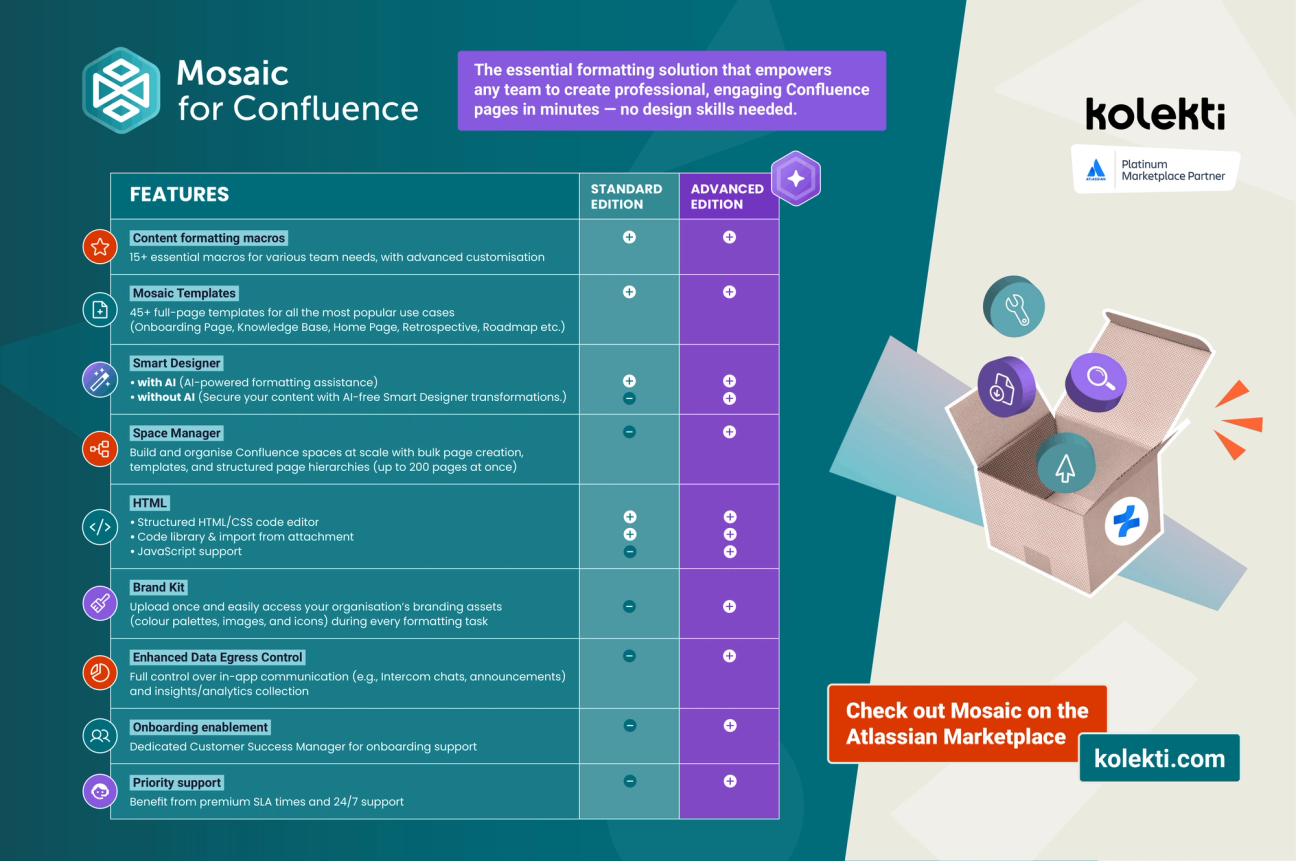
Looking for a more visual comparison?
Frequently Asked Questions
How does Mosaic for Confluence's Advanced Edition differ from its Standard Edition?
Mosaic Advanced Edition comes with everything included in Mosaic Standard Edition, including a toolkit of key formatting macros, fully secure HTML and CSS formatting, visual full-page templates, and Smart Designer, Mosaic’s page design wizard, but it also comes with so much more. You’ll also get secure JavaScript support for the HTML and CSS macro, the ability to create Brand Kits for visual macros, additional data egress controls, priority support, and Space Manager, which lets you bulk view, manage, create, archive, and delete pages in one place.
What organisations can benefit most from Mosaic Advanced Edition?
Mosaic Advanced Edition is ideal for any organisation looking to add branding to Confluence pages with ease, who want to add full HTML/CSS/JavaScript design and customisation, and need an easier way to manage content at scale, without the complexity and cost that comes with three separate Confluence apps.
Can I try Mosaic Advanced Edition for free?
Yes! You can enjoy a 30-day free trial of Mosaic Advanced Edition, with no credit card subscription required.