Kolekti home
Kolekti will be at Team '26! Booth number revealed
Read more

Agile Story Map Template for Confluence

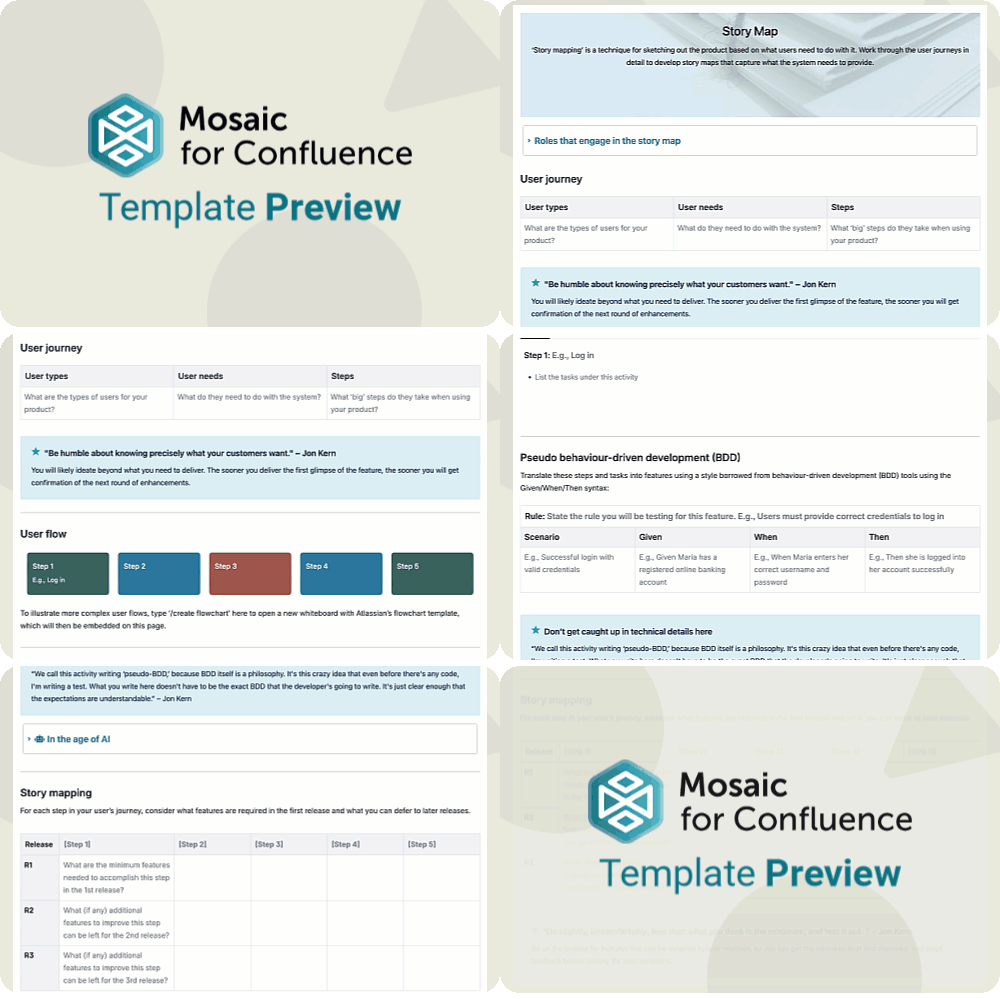
‘Story mapping’ is a technique for sketching out the product based on what users need to do with it, helping your team to prioritise and ensure the right features are being worked on.
A GIF of a user scrolling to show the Agile Story Map Template for Confluence
Want to use our Agile Story Map Template? Simply install Mosaic for Confluence and choose it from the Confluence templates library.
Once you've installed Mosaic, follow these steps:
  1. Create a new page or live doc in Confluence, then click All templates from the bottom menu.
  2. Click on the templates search bar and type ‘Mosaic’.
  3. Select the ‘Agile Story Map’ template to get started, or hover over it for a preview.
This Story Map Template is part of the Jon Kern Agile Framework: a set of ten templates filled with expert advice and guidance to help your team master agile work. To learn more about Jon Kern and the Agile Manifesto, and to see the rest of the templates in this framework, head to the Jon Kern Agile Framework Hub.

What is a story map?

A story map (or user journey) is a step-by-step narrative of how a user moves through your product to achieve a goal. It lays out activities, tasks, and user needs in order, so agile teams can see the full experience and ensure they’ve met the requirements for each step in the journey.
A colourful, stylised image of a notebook and a pen

Why does your team need a story map?

A story map helps teams design work around real behaviour rather than internal assumptions by leading conversations with the question, “How can we meet the user’s needs at this stage in their journey?”
A pair of binoculars
By laying out the journey end‑to‑end, teams can identify what the user needs most and use that to prioritise certain features, rather than jumping in at the deep end and spending lots of time on something that's just ‘nice-to-have’ too early in the product's development.
A gold trophy sat on top of a stack of documents
Seeing all the steps and touchpoints in one place makes it easier to spot missing pieces and overlaps before they become blockers, keeping delivery smoother and more predictable.
A colourful, collage-style image of a clock and a hand holding a pen
A story map helps teams design work around real behaviour rather than internal assumptions by leading conversations with the question, “How can we meet the user’s needs at this stage in their journey?”
By laying out the journey end‑to‑end, teams can identify what the user needs most and use that to prioritise certain features, rather than jumping in at the deep end and spending lots of time on something that's just ‘nice-to-have’ too early in the product's development.
Seeing all the steps and touchpoints in one place makes it easier to spot missing pieces and overlaps before they become blockers, keeping delivery smoother and more predictable.
A pair of binoculars
A gold trophy sat on top of a stack of documents
A colourful, collage-style image of a clock and a hand holding a pen
A story map helps teams design work around real behaviour rather than internal assumptions by leading conversations with the question, “How can we meet the user’s needs at this stage in their journey?”
A pair of binoculars
By laying out the journey end‑to‑end, teams can identify what the user needs most and use that to prioritise certain features, rather than jumping in at the deep end and spending lots of time on something that's just ‘nice-to-have’ too early in the product's development.
A gold trophy sat on top of a stack of documents
Seeing all the steps and touchpoints in one place makes it easier to spot missing pieces and overlaps before they become blockers, keeping delivery smoother and more predictable.
A colourful, collage-style image of a clock and a hand holding a pen

What elements should a story map include?

The user journey

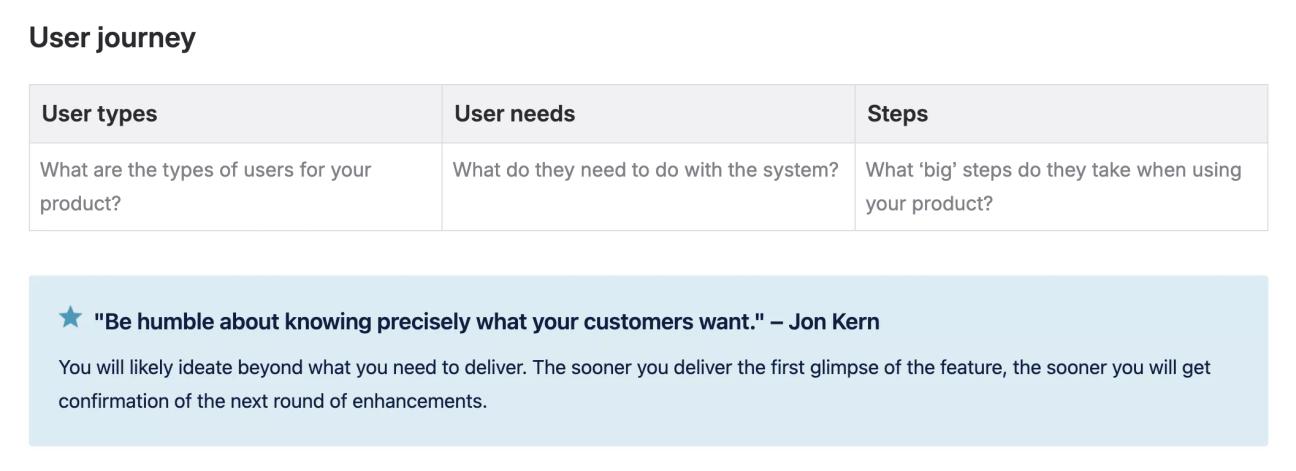
First, consider the types of users you will have, their needs, and the biggest steps they will take with your product. This will give you an idea of the overall experience they’d expect on their journey.
A screenshot of the 'User journey' section of the Agile Story Map Template, showing a tip from Jon Kern

The user flow

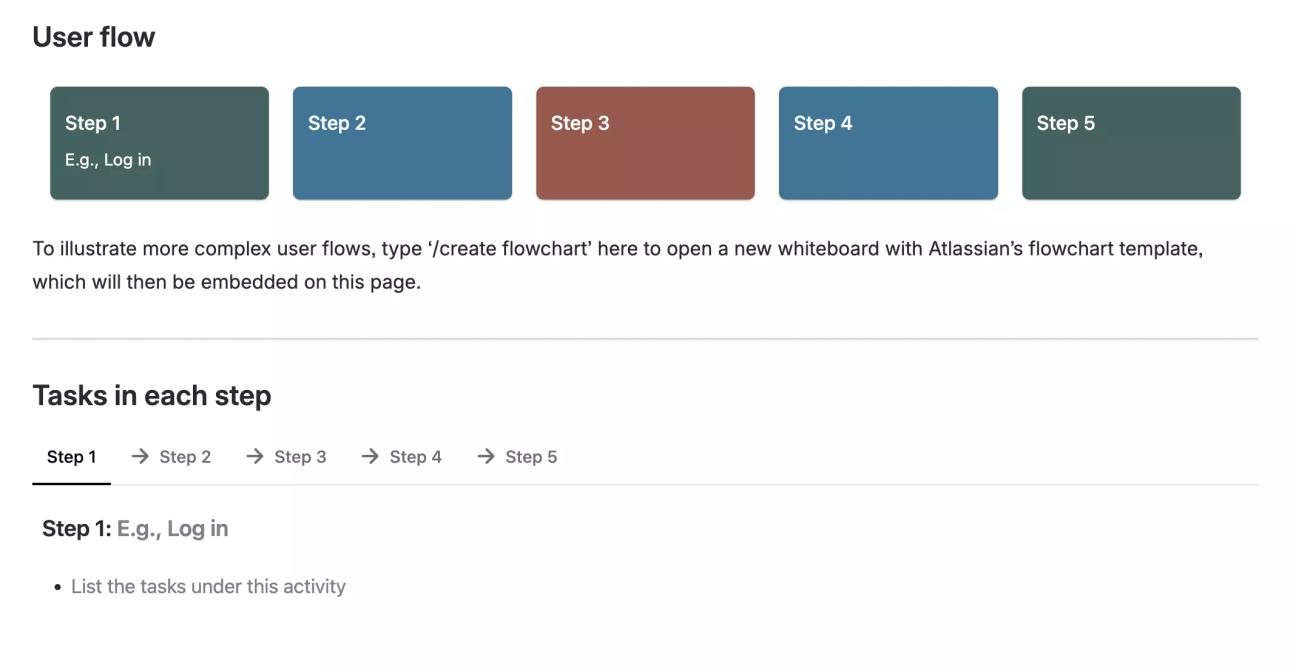
Once you have a rough idea of the user journey, arrange the steps in order so that it’s clearly illustrated. Our template suggests two ways you can do this: use the cards provided, or (for more complex user flows) you can embed a flowchart directly on the page.
Then list the smaller tasks the user will complete in each major step of their journey. Our template uses tabs for this, which keeps the page neat and navigable no matter how complex each step is.
A screenshot of the 'User flow' and 'Tasks in each step' sections of the Agile Story Map Template for Confluence

Pseudo behaviour-driven development (BDD)

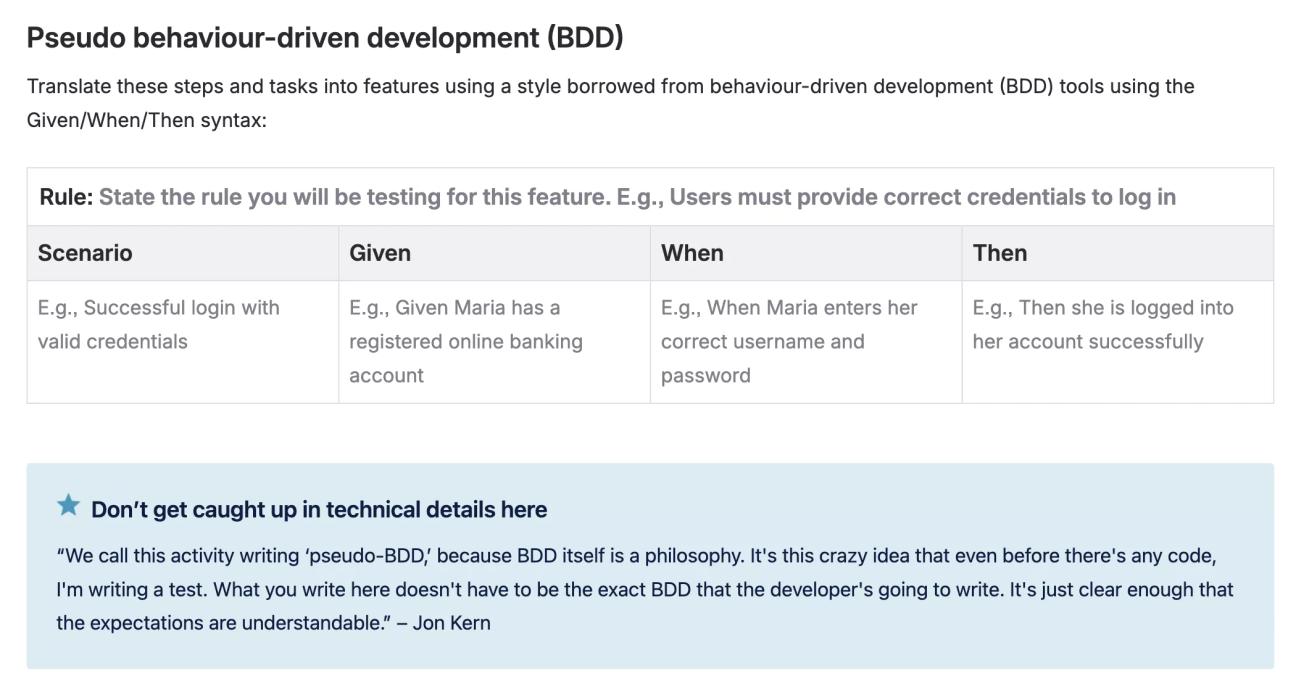
BDD is the method of creating scenarios in a format of Given/When/Then to code tests for features. Pseudo-BDD follows the same format but focuses on describing expected behaviour in clear, shared language (rather than actual code). For example, given Leo has a gift card, when he enters his gift card number at checkout, then he receives a discount on his order.
Once you understand the steps and tasks involved in your product's user journey, pseudo-BDD can help break down the expectations at each step.
Our template lays out the Given/When/Then framework of BDD so you can simply fill in the table and gain a clear understanding of what your product needs to do at each step, under different circumstances (for example, if someone logs in with the right credentials, versus the wrong ones) to meet everyone’s needs and expectations.

A screenshot of the 'Pseudo behaviour-driven development (BDD)' section of the Agile Story Map Template

The story map

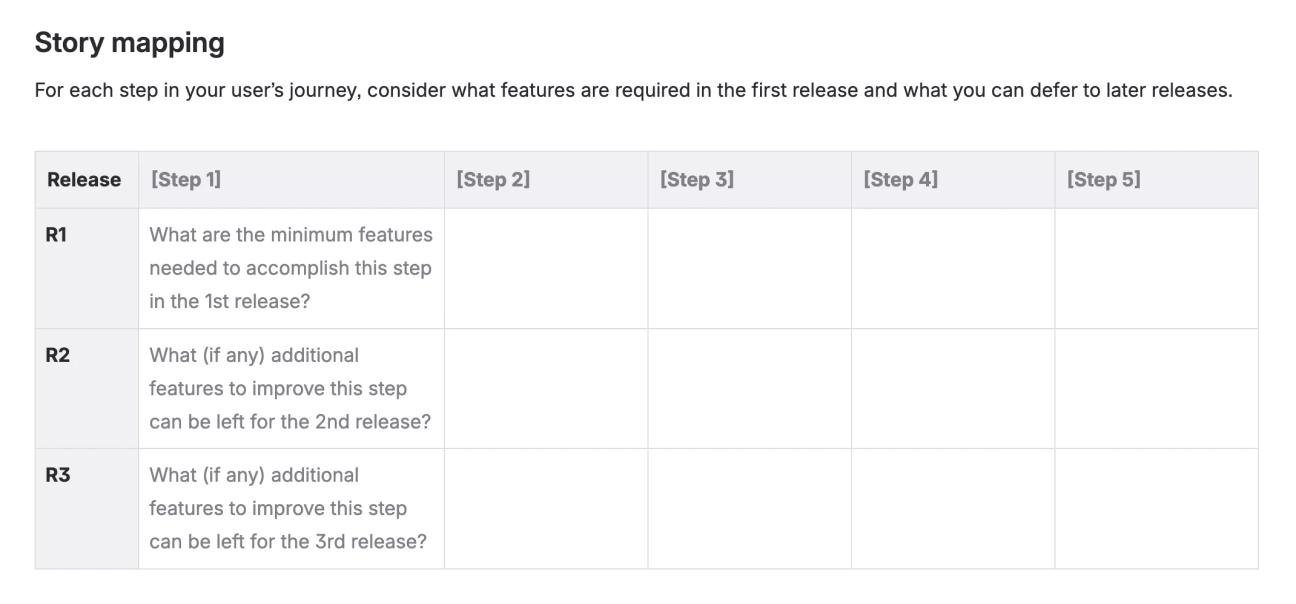
Finally, map out how you will meet the users' needs at each step of their journey, taking into consideration the initial requirements and what can be left for a later release after further development.
A screenshot of the 'Story mapping' section of the Agile Story Map Template for Confluence, showing a table with instructions for filling it in

Next in the Jon Kern Agile Framework

This Story Map Template is the fourth template of the Jon Kern Agile Framework. Click the button below to see the next template in this set, or head to the Jon Kern Agile Framework Hub to see them all.

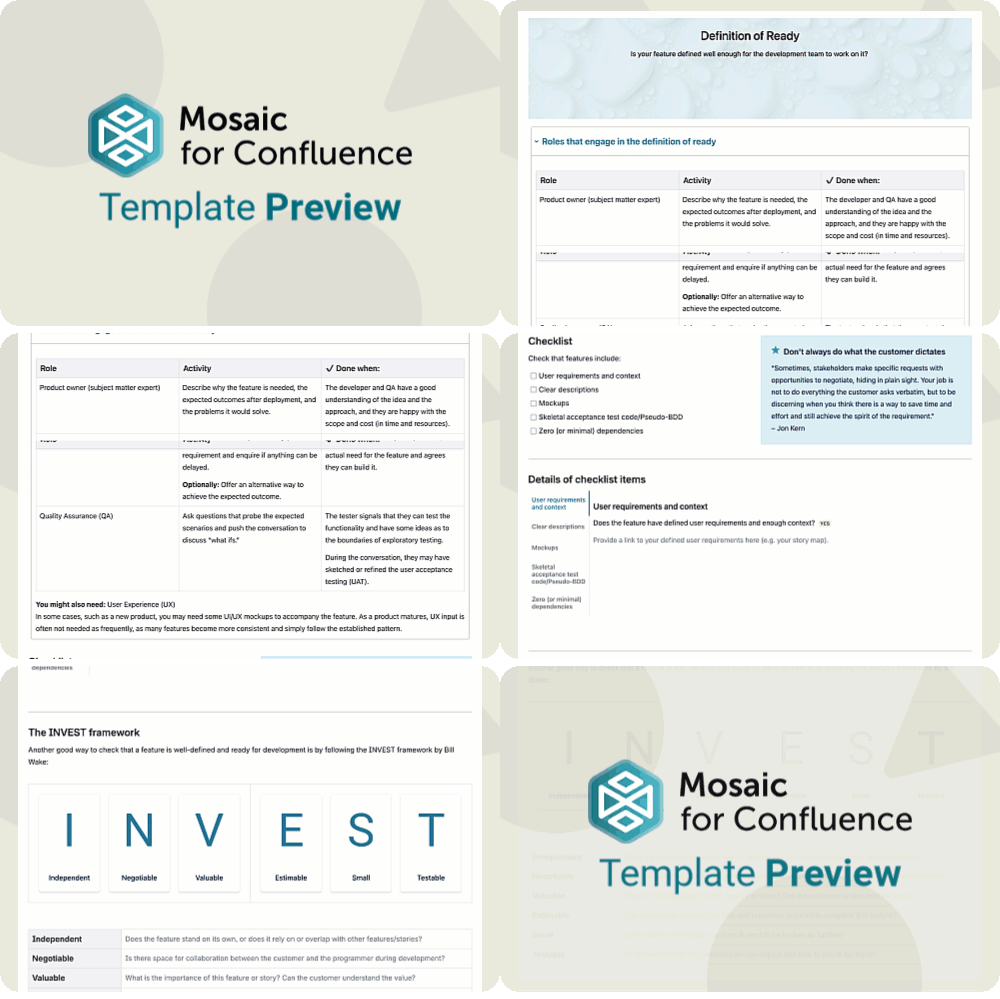
A scrolling gif of the Agile Definition of Ready Template for Confluence
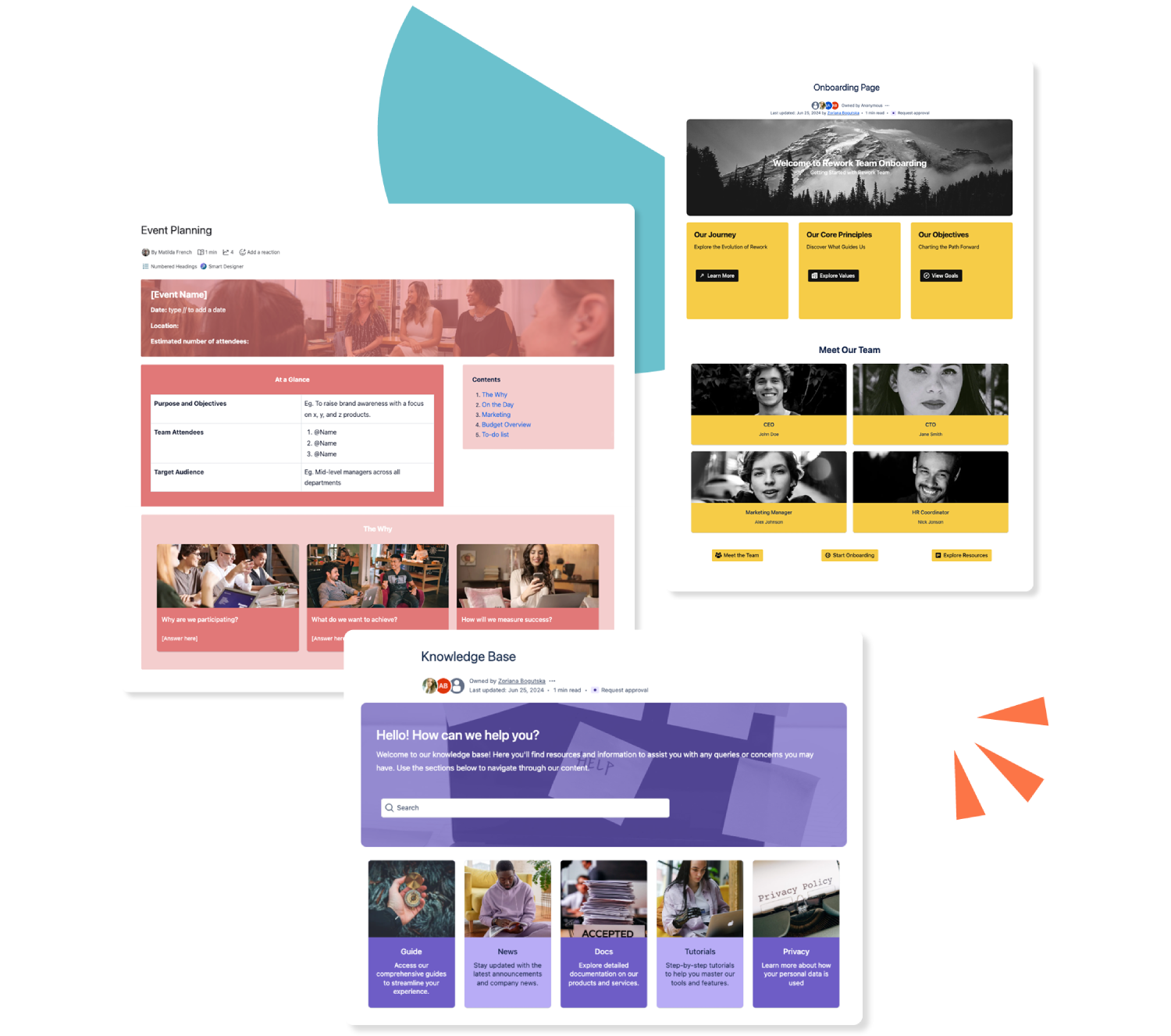
Three colourful Confluence templates stacked over each other

Get this template and more with Mosaic

Try Mosaic completely free for 30 days and see how much time you save with our range of engaging templates.

Explore more Confluence templates

A how-to article template on Confluence

Confluence How-to Article Template

A how-to article gives an at-a-glance overview of everything to do with your business. Use our how-to article template today.
Read more
A Confluence template for documentation

Confluence Documentation Template

Ensure readers can (and do!) readily consume your important content with our easy-to-use documentation template.
Read more
A template for a knowledge base in Confluence

Confluence Knowledge Base Template

Make your Confluence knowledge base a space of beauty, with dynamic elements to make everyone stare! Our customisable templates make it easy.
Read more