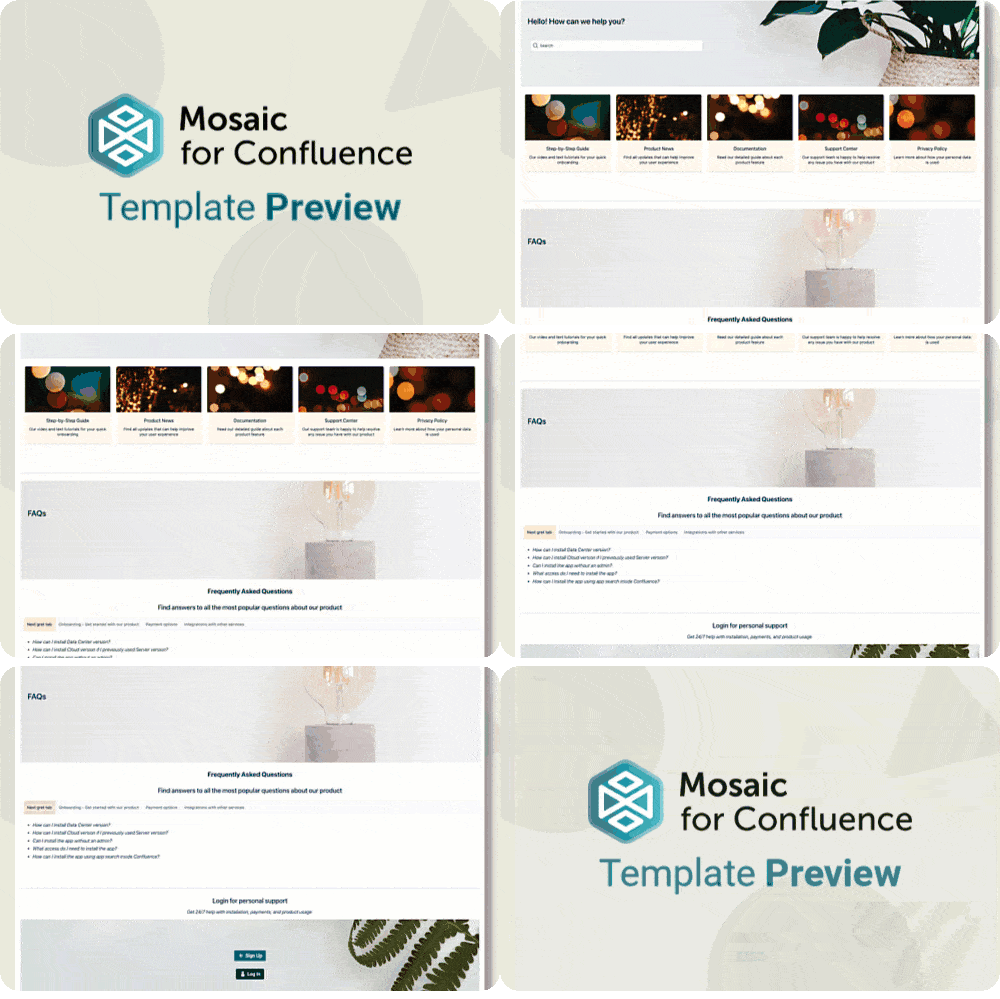
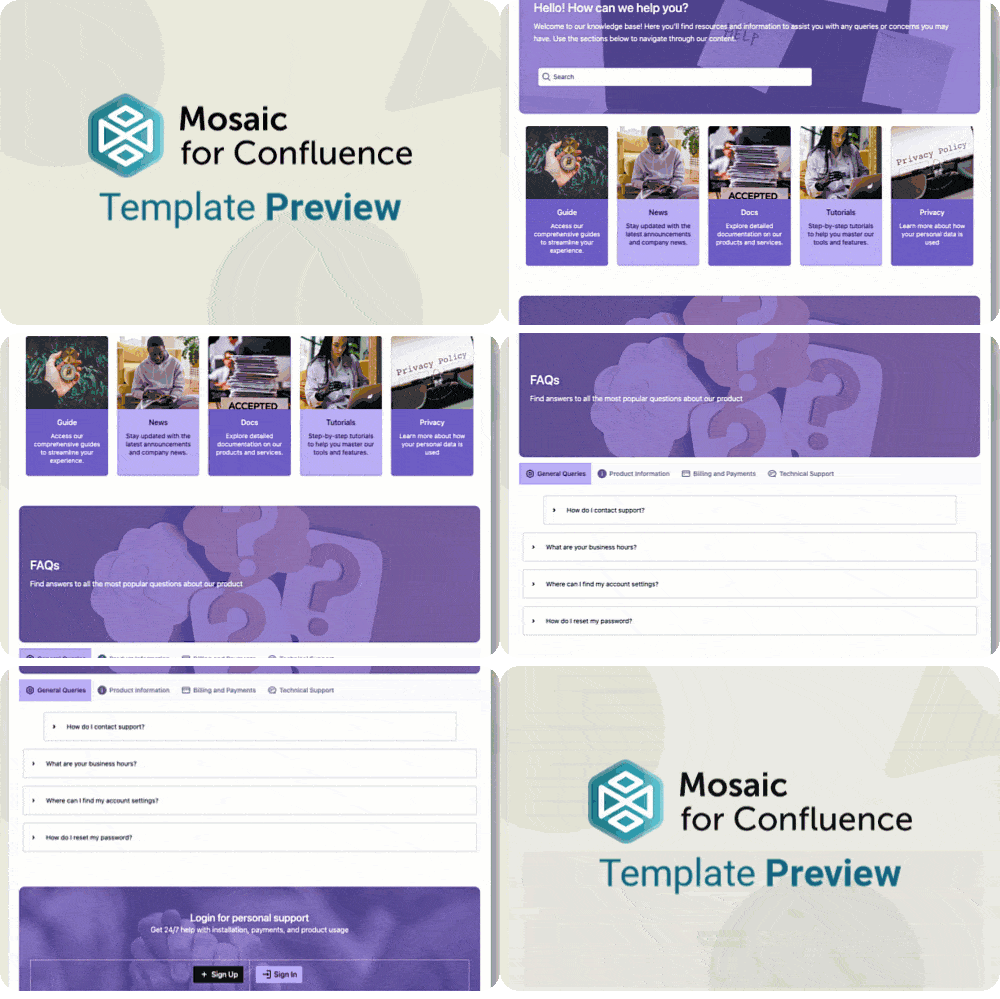
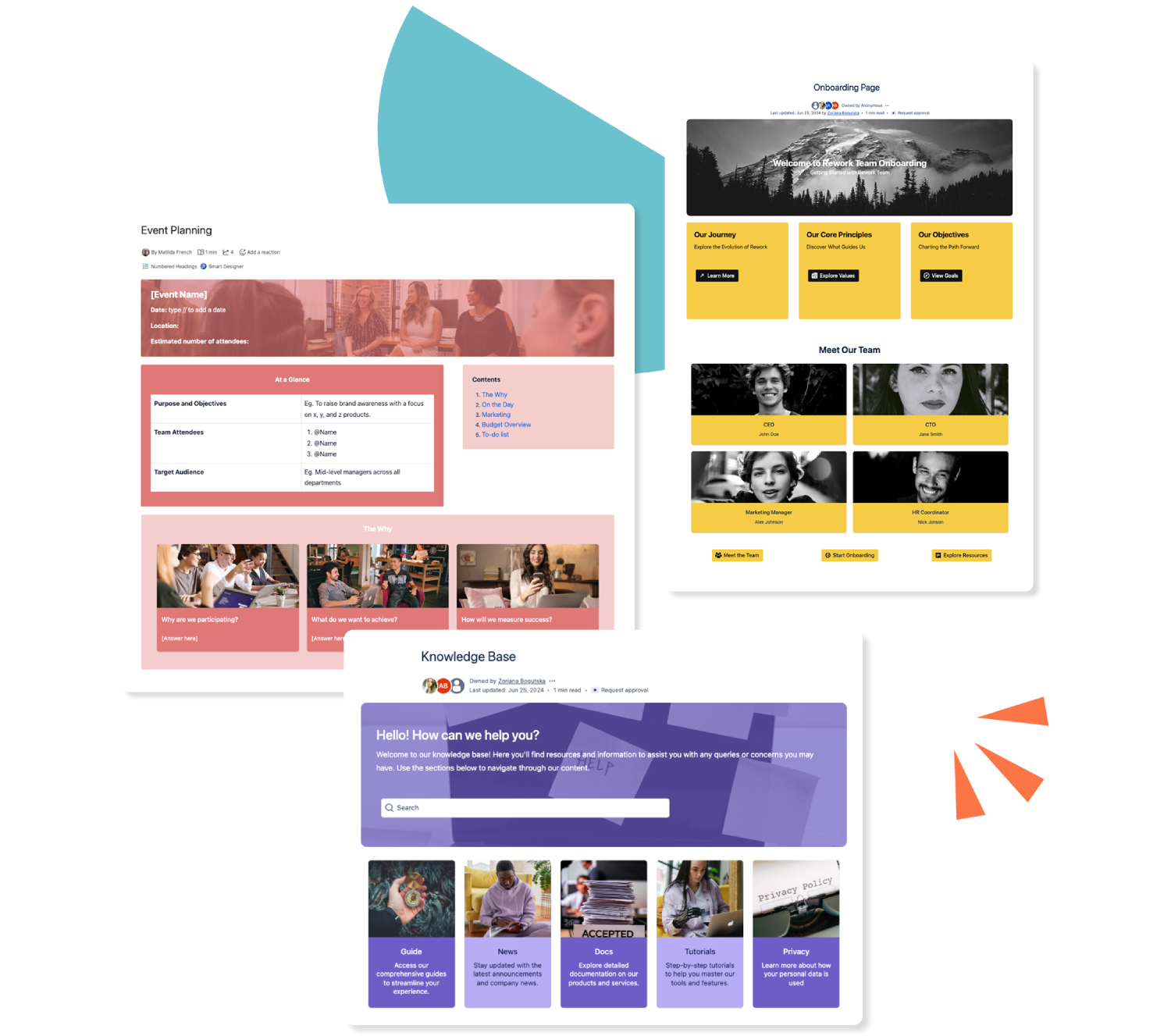
Want to use our Knowledge Base Template? Simply install Mosaic for Confluence and choose it from the Confluence template library.
Once you've installed Mosaic, follow these steps:
Create a new page or live doc in Confluence, then click All templates from the bottom menu.
Click on the templates search bar and type ‘Mosaic’.
Select the ‘Knowledge Base’ template to get started, or hover over it for a preview.
We have many different Confluence templates - find the right one for you and save time through automation!
What is a knowledge base?
A knowledge base is a central space for all your information and documentation, ready for teams to access. You can include anything from how-to guides, FAQs, HR policies, and help articles to training guides.
A knowledge base is a great way to organise information about your company's products and services, departments, and topics, letting teams discover and share knowledge quickly and easily.
Did you know that employees have been reported to spend up to two hours a day hunting for information? With a knowledge base, that time is recouped almost instantly. The knowledge base acts as a single source of truth for all company documentation, allowing employees to find and share information.
It can be hard to track which documents are the latest, and working across formats can be a headache. A knowledge base not only keeps track of everything but also organises it in a logical fashion. Categories and labels keep information tidy and accessible.
Your teams might know where to find information, but it could be the wrong format for them to enjoy reading. Yes, really, a knowledge base, when professionally designed, can be something teams will actively want to read!
Did you know that employees have been reported to spend up to two hours a day hunting for information? With a knowledge base, that time is recouped almost instantly. The knowledge base acts as a single source of truth for all company documentation, allowing employees to find and share information.
It can be hard to track which documents are the latest, and working across formats can be a headache. A knowledge base not only keeps track of everything but also organises it in a logical fashion. Categories and labels keep information tidy and accessible.
Your teams might know where to find information, but it could be the wrong format for them to enjoy reading. Yes, really, a knowledge base, when professionally designed, can be something teams will actively want to read!
Did you know that employees have been reported to spend up to two hours a day hunting for information? With a knowledge base, that time is recouped almost instantly. The knowledge base acts as a single source of truth for all company documentation, allowing employees to find and share information.
It can be hard to track which documents are the latest, and working across formats can be a headache. A knowledge base not only keeps track of everything but also organises it in a logical fashion. Categories and labels keep information tidy and accessible.
Your teams might know where to find information, but it could be the wrong format for them to enjoy reading. Yes, really, a knowledge base, when professionally designed, can be something teams will actively want to read!
What elements should a knowledge base include?
Clear navigation
A well-structured knowledge base should guide users intuitively to the information they need. Anchor links, tables of contents, and search bars are all useful ways to ensure your team can find what they need on the page or in the rest of the space quickly and easily.
Useful links
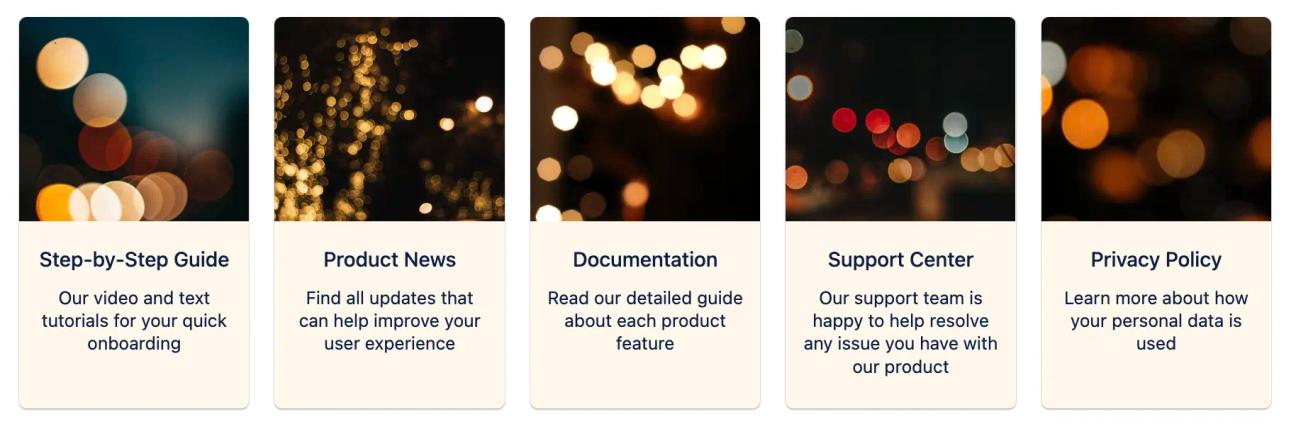
Direct readers to supporting resources such as training materials, process documentation, brand guidelines, or team directories so the knowledge base becomes a one-stop hub. To make your links stand out, use Advanced Cards or Buttons.
FAQs
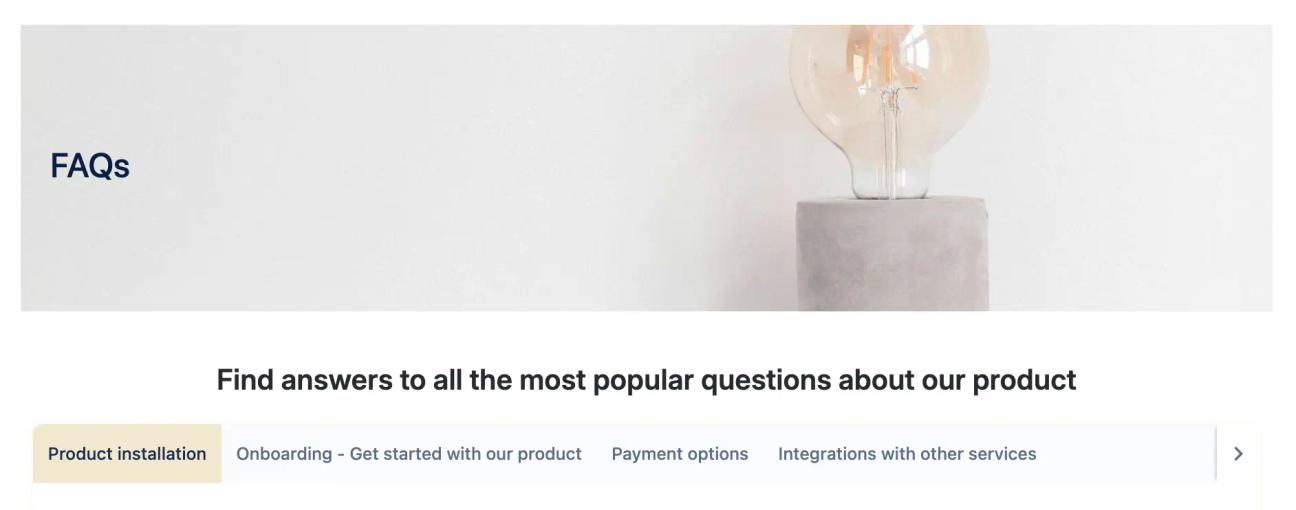
An integrated FAQ section supports self-service by answering the most common questions quickly and consistently. Group FAQs into themes or categories using collapsible sections and/or Tabs, ensuring users can scan for what they need without feeling overwhelmed by clutter.
Which knowledge base template suits you best?
We offer two designs. Why not explore both before deciding which you prefer?
Mosaic's "Corporate Tranquility" Knowledge Base Template
Mosaic's "Dynamic" Knowledge Base Template
Making life easier for thousands of users
Don't just take our word for it. See why our engaging Confluence templates have been published over 2000 times this year.
A company hub lets users easily access company news and information. Our Company Hub Templates have everything you need to produce the perfect central resource.