Kolekti home
Kolekti will be at Team '26! Booth number revealed
Read more

Agile Kanban Board Template for Confluence

A kanban board gives your team a shared view of the work in motion, making it easier to stay focused, finish the right things first, and maintain consistent delivery.
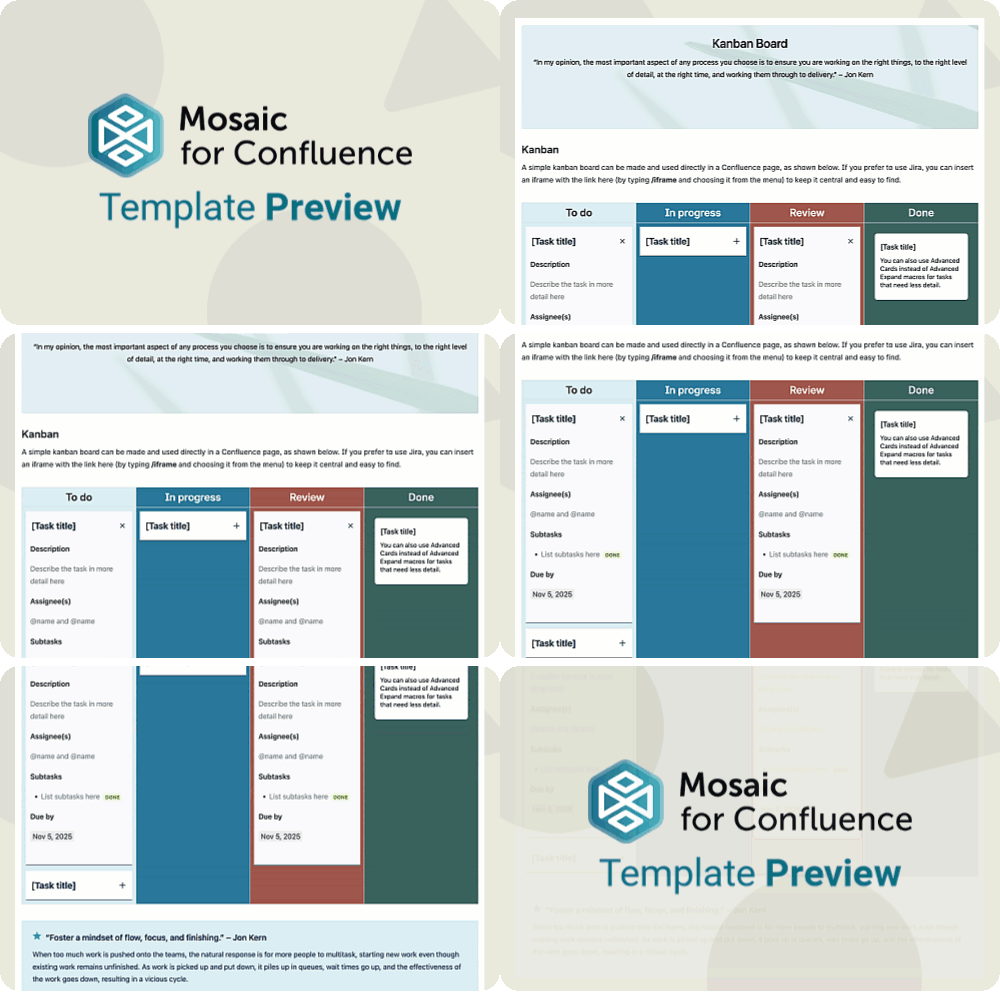
A GIF of a user scrolling to show the Agile Kanban Board Template for Confluence
Want to use our Agile Kanban Board Template? Simply install Mosaic for Confluence and choose it from the Confluence templates library.
Once you've installed Mosaic, follow these steps:
  1. Create a new page or live doc in Confluence, then click All templates from the bottom menu.
  2. Click on the templates search bar and type ‘Mosaic’.
  3. Select the ‘Agile Kanban Board’ template to get started, or hover over it for a preview.
This Kanban Board Template is part of the Jon Kern Agile Framework: a set of ten templates filled with expert advice and guidance to help your team master agile work. To learn more about Jon Kern and the Agile Manifesto, and to see the rest of the templates in this framework, head to the Jon Kern Agile Framework Hub.

What is a kanban board?

A kanban board is a visual way to track work as it moves from ‘to do’ to ‘done’, so everyone can see what's happening at a glance. It helps agile teams spot bottlenecks early and keep conversations focused on the jobs at hand rather than chasing status updates.
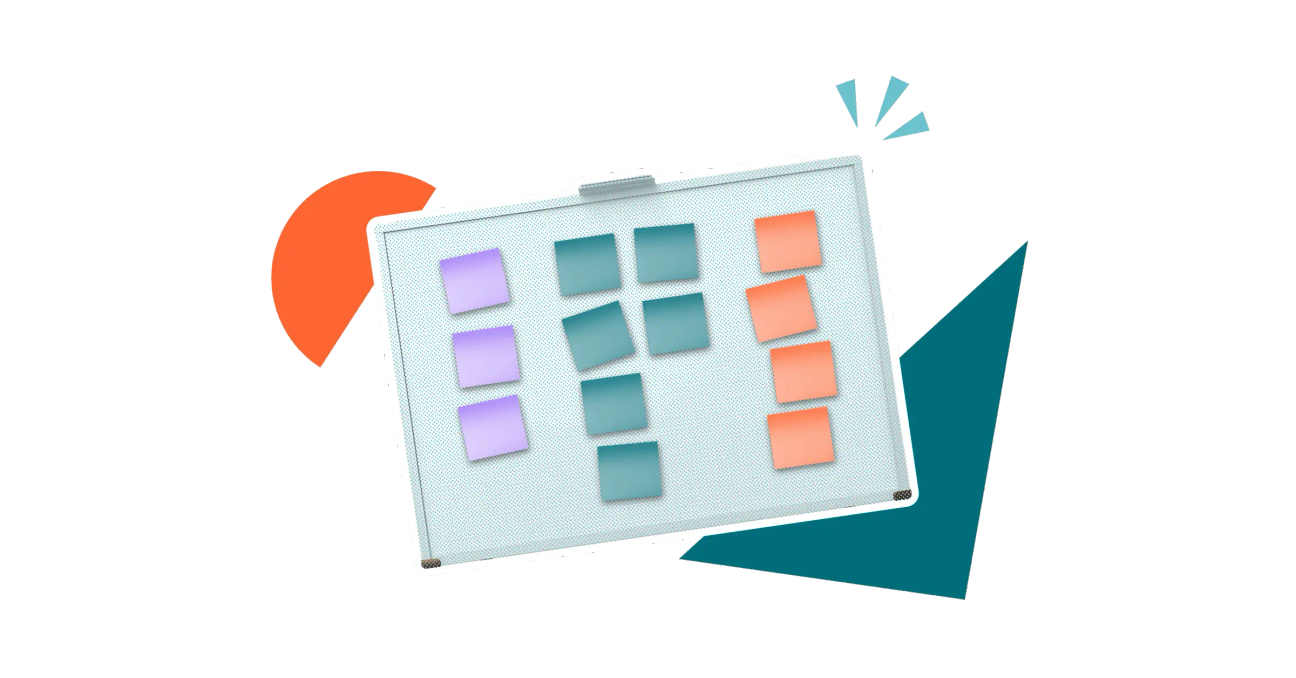
A colourful, stylised image of a whiteboard with sticky notes on it in colour co-ordinated columns

Why does your team need a kanban board?

A kanban board turns invisible tasks into a clear, shared picture, so teams and stakeholders can see who’s doing what, what's blocked, and where attention is needed without digging through tools or emails.
A stylised image of a magnifying glass
Kanban boards encourage teams to finish work before starting new items, reducing the number of ‘in progress’ tasks and helping move valuable work through the system faster.
A stylised image of three arrows in a bull's eye target
By ordering or highlighting the most important items, the board helps the team see what truly matters right now, so people spend less time asking for direction and more time moving the right work forward.
A gold trophy sat on top of a stack of documents
A kanban board turns invisible tasks into a clear, shared picture, so teams and stakeholders can see who’s doing what, what's blocked, and where attention is needed without digging through tools or emails.
Kanban boards encourage teams to finish work before starting new items, reducing the number of ‘in progress’ tasks and helping move valuable work through the system faster.
By ordering or highlighting the most important items, the board helps the team see what truly matters right now, so people spend less time asking for direction and more time moving the right work forward.
A stylised image of a magnifying glass
A stylised image of three arrows in a bull's eye target
A gold trophy sat on top of a stack of documents
A kanban board turns invisible tasks into a clear, shared picture, so teams and stakeholders can see who’s doing what, what's blocked, and where attention is needed without digging through tools or emails.
A stylised image of a magnifying glass
Kanban boards encourage teams to finish work before starting new items, reducing the number of ‘in progress’ tasks and helping move valuable work through the system faster.
A stylised image of three arrows in a bull's eye target
By ordering or highlighting the most important items, the board helps the team see what truly matters right now, so people spend less time asking for direction and more time moving the right work forward.
A gold trophy sat on top of a stack of documents

Why keep your kanban board in Confluence?

At its core, a kanban board is a simple thing. You can do it in Jira if you prefer more complexity, or you can use sticky notes on a wall if you don't need it to be accessible remotely. Using Confluence for your kanban board is just as easy and keeps the method pure and uncomplicated, while keeping everything connected and central.

What elements should a kanban board include?

The board

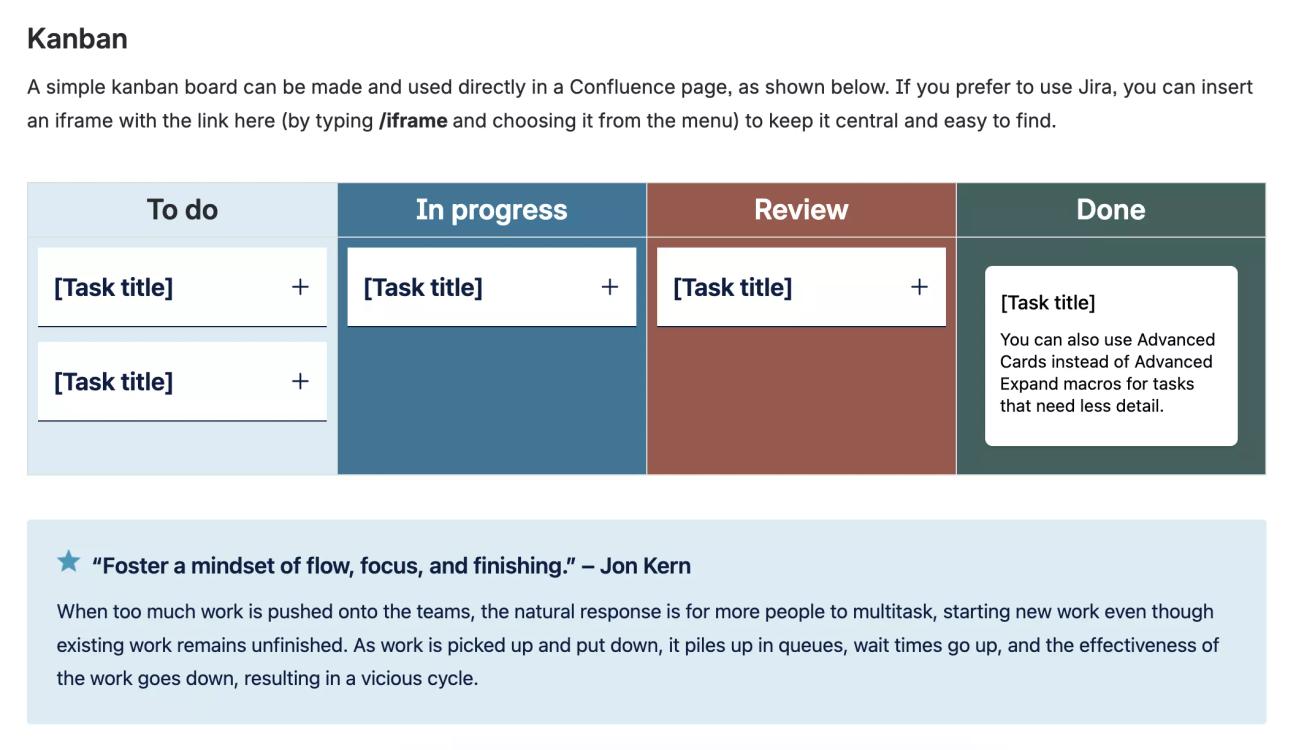
Your board can be as simple or complex as you like. The board in our template has four columns: ‘To do’, ‘In progress’, ‘Review’, and ‘Done’. This is a great place to start and might be all you'll ever need, but if you find there's part of the journey missing, you might want to add another column, such as ‘Backlog’ or ‘On hold’. You can add as many columns as you need, but try not to get too carried away: simplest is often best.

A screenshot of the Agile Kanban Board Template for Confluence, showing the board with tasks collapsed and a tip from Jon Kern

Task details

Besides the board itself, the only other element your kanban board really needs is a task to move through it.
Our Kanban Board Template offers two ways of displaying tasks on your board. We recommend using collapsible sections (Advanced Expands) that let you show and hide each task's details by clicking the title, so readers can quickly declutter their view while still having all the information they need.
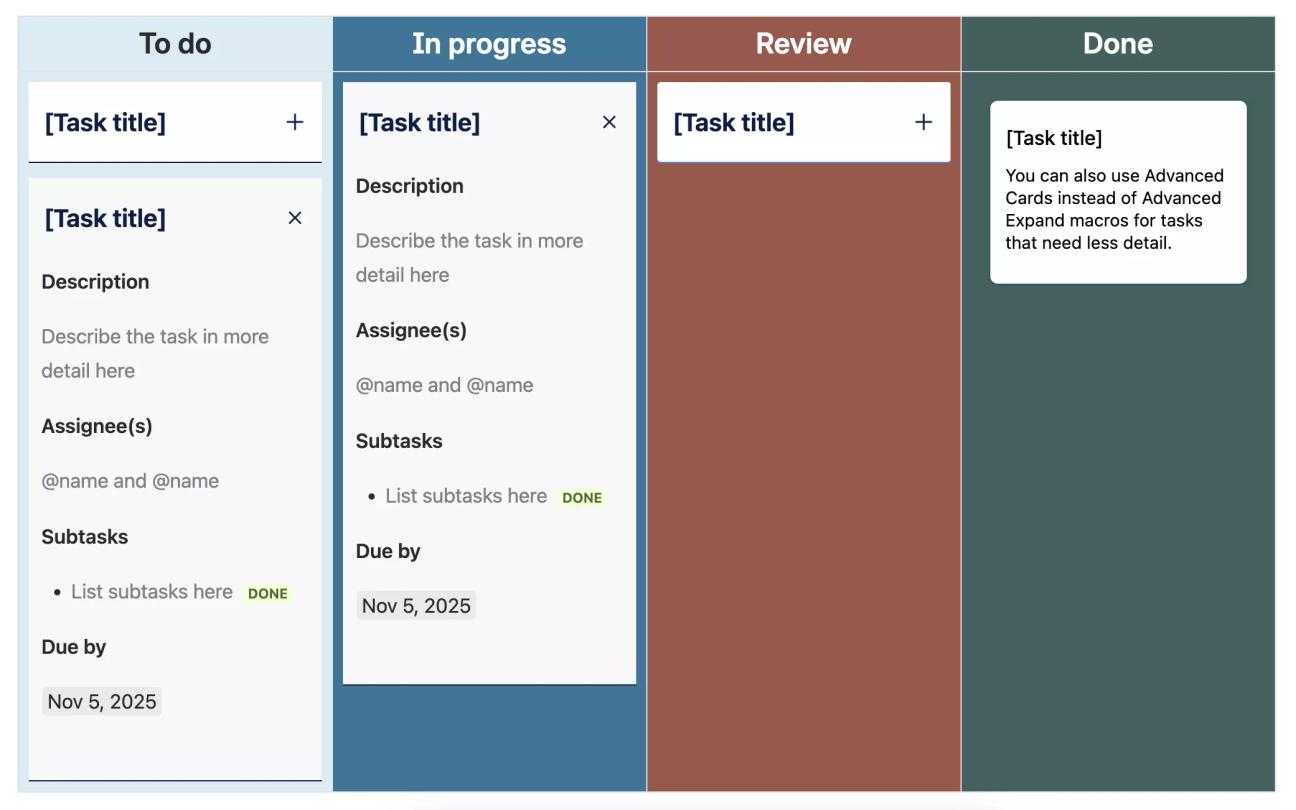
However, if you only need a brief description of each task and you prefer to have all the information in one view, you can use Advanced Cards instead (as seen in the ‘Done’ column of our template pictured here). Both methods make it easy to drag or select, cut, and paste the tasks in edit mode as they move across the board.

A screenshot of the Agile Kanban Board Template for Confluence with some tasks expanded, showing details like subtasks and due dates

Next in the Jon Kern Agile Framework

This Kanban Board Template is the seventh template of the Jon Kern Agile Framework. Click the button below to see the next template in this set, or head to the Jon Kern Agile Framework Hub to see them all.

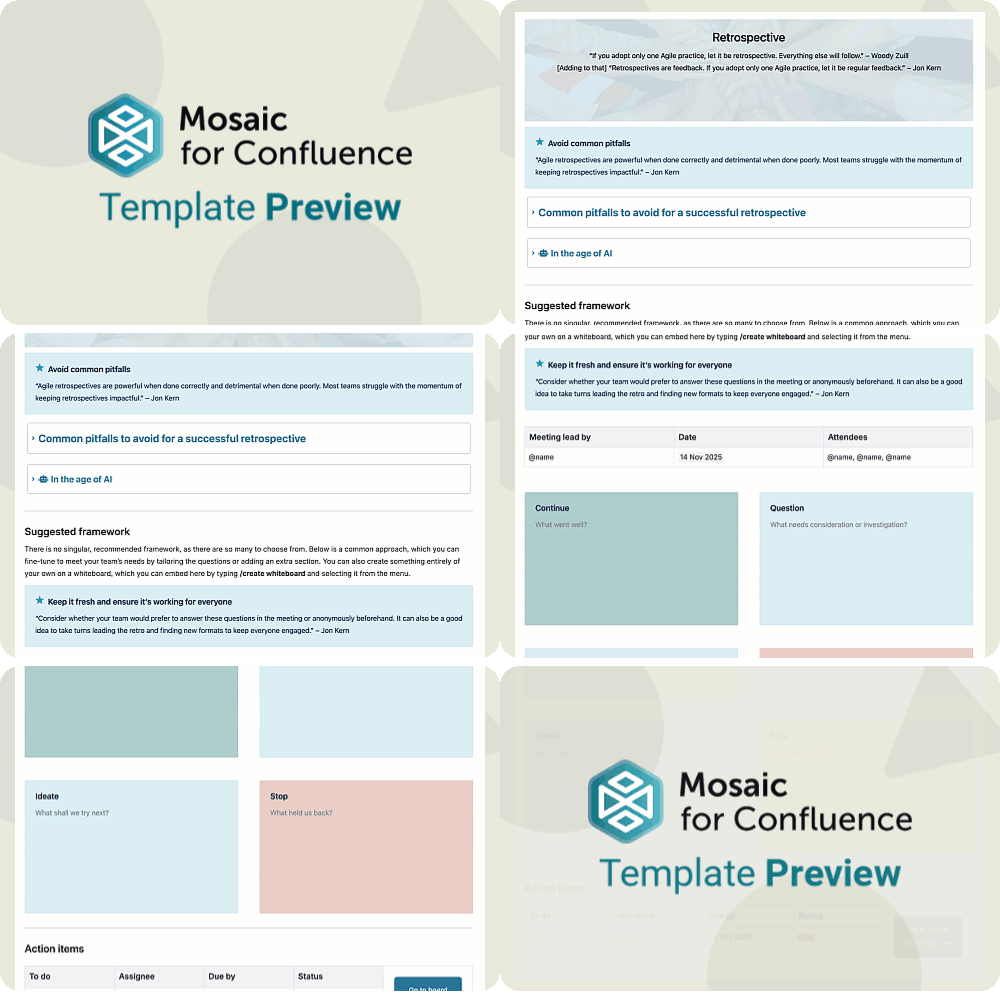
A scrolling gif of the Agile Retrospective Template for Confluence
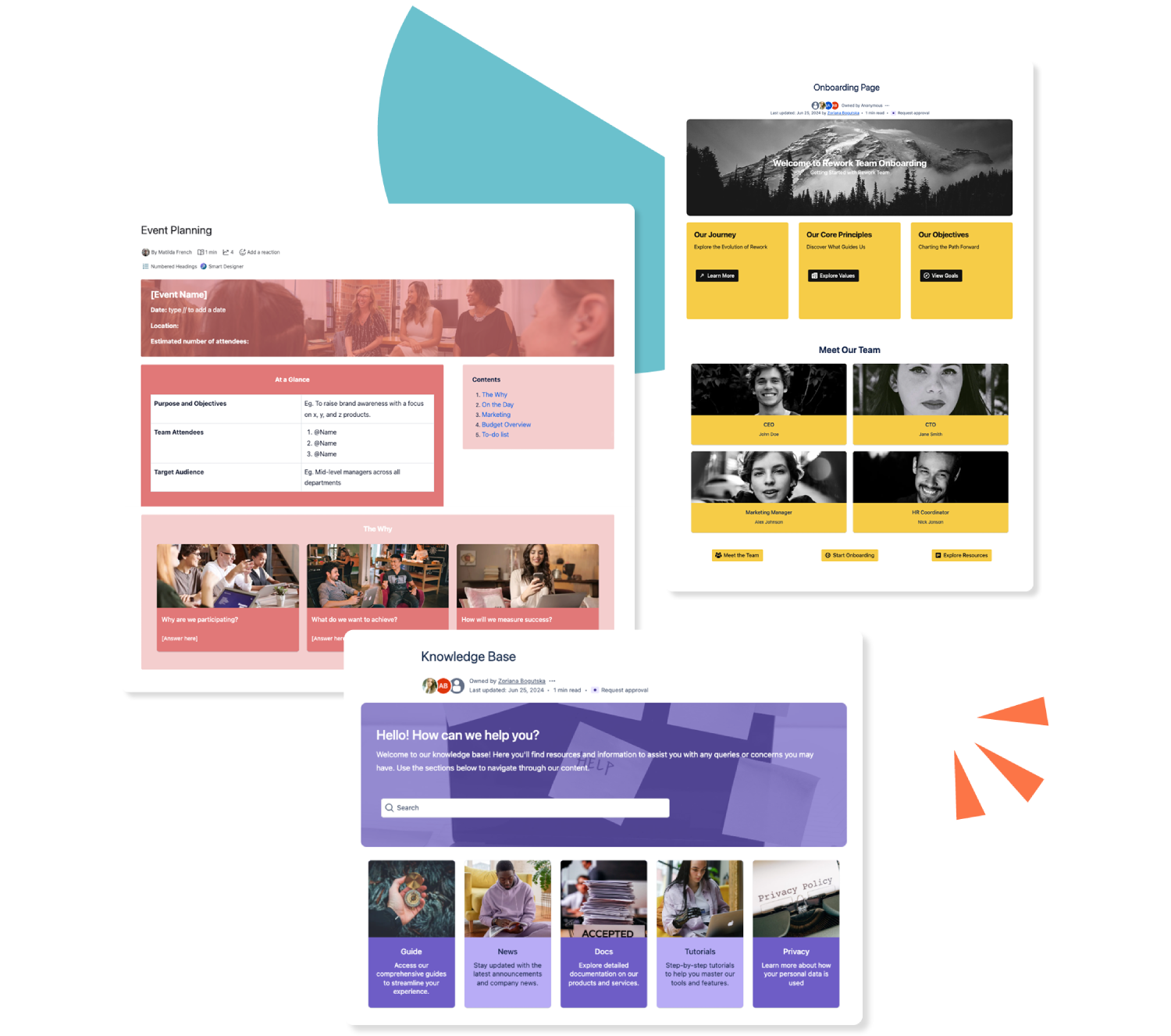
Three colourful Confluence templates stacked over each other

Get this template and more with Mosaic

Try Mosaic completely free for 30 days and see how much time you save with our range of engaging templates.

Explore more Confluence templates

A how-to article template on Confluence

Confluence How-to Article Template

A how-to article gives an at-a-glance overview of everything to do with your business. Use our how-to article template today.
Read more
A Confluence template for documentation

Confluence Documentation Template

Ensure readers can (and do!) readily consume your important content with our easy-to-use documentation template.
Read more
A template for a knowledge base in Confluence

Confluence Knowledge Base Template

Make your Confluence knowledge base a space of beauty, with dynamic elements to make everyone stare! Our customisable templates make it easy.
Read more