If you're familiar with Confluence, you may already be familiar with the feeling of confusion it can bring. It can be an overwhelming landscape of pages, scattered across various spaces, often duplicated and half updated, making it challenging to find the information you need. The idea of creating a suite of logical, navigable,
organised spaces can feel like a pipe dream.
This is a common challenge that can be addressed by designing and adhering to a system of work, a framework that provides alignment, clarity, and connected processes, allowing your work to scale.
Atlassian's own
System of Work is a helpful lens for addressing this.
It's built on four core principles:- Aligning work to goals
- Planning together
- Unlocking team knowledge
- Embracing AI
All of which are difficult to achieve with fragmented, hard-to-find content: alignment becomes guesswork, collaboration slows, and your institutional knowledge becomes siloed or lost.
None of this is likely news to you. Teams frequently treat Confluence like a vast, communal digital notepad, and while this works for initial creation, it rapidly becomes unsustainable, actively sabotaging the creation of a functional Confluence knowledge system.
The data confirms that this is a pervasive problem.
Research from Atlassian reveals that over half of
knowledge workers lack a consistent approach to planning and tracking their work, which hinders collaboration. Worse still, a full 50% have worked on a project only to later discover another team was working on the very same thing.
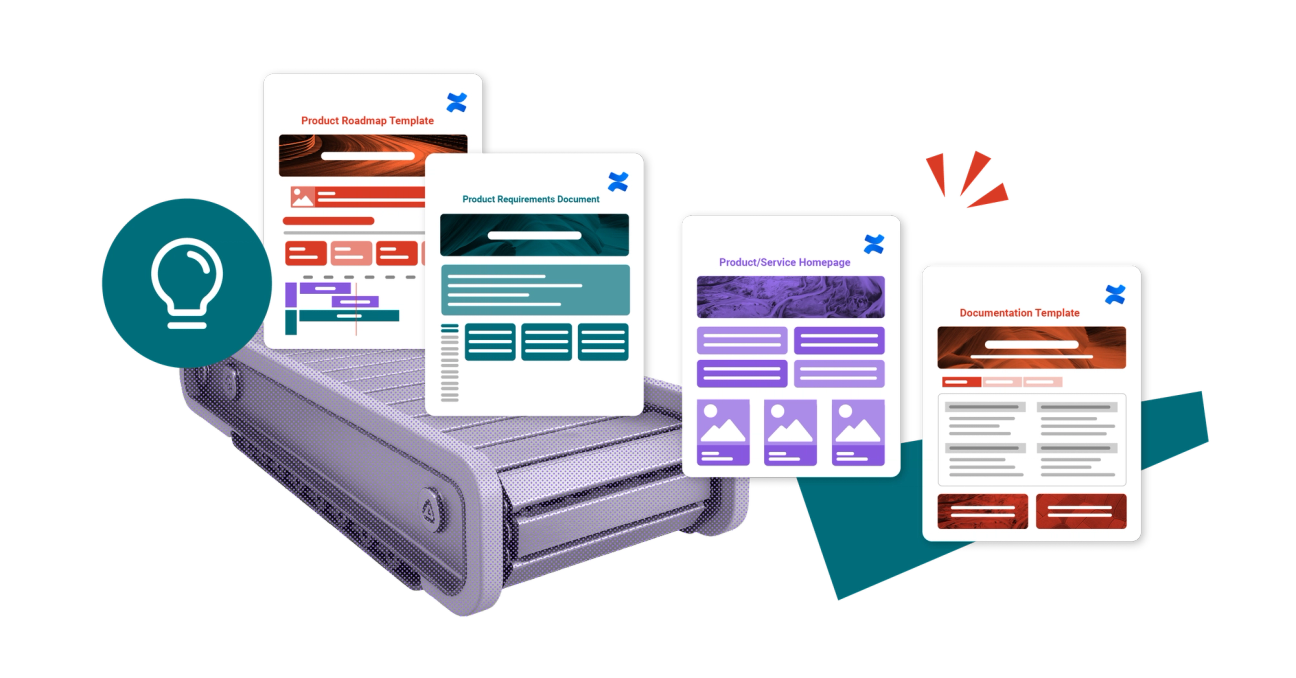
The theory behind using templates is well-intentioned, but they are often misused or neglected. The common outcome is not the creation of scalable knowledge systems, but rather endless copying and pasting, constant reinvention of layouts, and an unhealthy reliance on tribal knowledge to maintain coherence in processes. This approach simply cannot scale, it doesn't sustain knowledge over time, and critically, it doesn't support the rigorous, systematic way growing teams need to work. Here, templates aren't a shortcut. They're building blocks.