Kolekti home

Confluence Release Notes Template

Keep customers and stakeholders informed with clear, comprehensive, and engaging release notes.
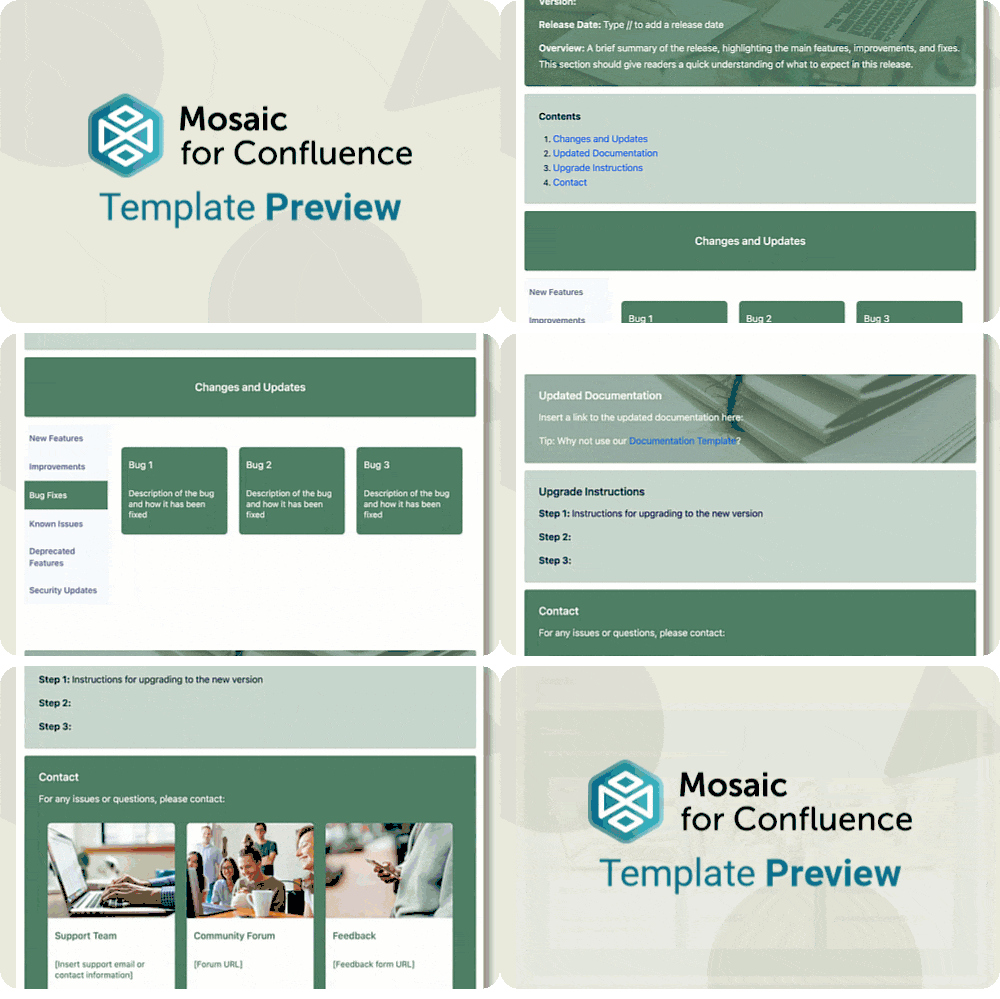
A gif of a user scrolling to show the Confluence Release Notes Template.
Want to use our Release Notes Template? Simply install Mosaic for Confluence and choose it from the Confluence templates library.
Once you've installed Mosaic, follow these steps:
  1. Create a new page or live doc in Confluence, then click All templates from the bottom menu.
  2. Click on the templates search bar and type ‘Mosaic’.
  3. Select the ‘Release Notes’ template to get started, or hover over it for a preview.
We have many different Confluence templates - find the right one for you and save time through automation!

What are release notes?

Release notes summarise updates made to your product or service during a specific release cycle. They provide details about new features, improvements, bug fixes, and any other changes that users should know about. Release notes are essential for keeping stakeholders informed and ensuring smooth communication between teams and customers.
With the right release notes template, you can deliver updates clearly and professionally while saving time on formatting.

A colourful, stylised image of a paper plane landing.

Why does your company need release notes?

Release notes can highlight new features or enhancements that users might not discover on their own, encouraging users to explore the full capabilities of the product.
A stylised image of a person choosing a happy face from a range of emotions represented with faces on a tablet screen
Documenting changes and being open about the development process can foster a sense of accountability and responsibility that users and stakeholders will be sure to appreciate.
A stylised image of a magnifying glass
Release notes can help support teams quickly identify if a reported issue is related to a recent update or if it’s a new problem. They can also help users understand whether any issues they’re experiencing have already been identified.
A colourful, collage-style image of a lightbulb and a speech bubble with a question mark inside
Release notes can highlight new features or enhancements that users might not discover on their own, encouraging users to explore the full capabilities of the product.
Documenting changes and being open about the development process can foster a sense of accountability and responsibility that users and stakeholders will be sure to appreciate.
Release notes can help support teams quickly identify if a reported issue is related to a recent update or if it’s a new problem. They can also help users understand whether any issues they’re experiencing have already been identified.
A stylised image of a person choosing a happy face from a range of emotions represented with faces on a tablet screen
A stylised image of a magnifying glass
A colourful, collage-style image of a lightbulb and a speech bubble with a question mark inside
Release notes can highlight new features or enhancements that users might not discover on their own, encouraging users to explore the full capabilities of the product.
A stylised image of a person choosing a happy face from a range of emotions represented with faces on a tablet screen
Documenting changes and being open about the development process can foster a sense of accountability and responsibility that users and stakeholders will be sure to appreciate.
A stylised image of a magnifying glass
Release notes can help support teams quickly identify if a reported issue is related to a recent update or if it’s a new problem. They can also help users understand whether any issues they’re experiencing have already been identified.
A colourful, collage-style image of a lightbulb and a speech bubble with a question mark inside

What elements should release notes include?


Version details

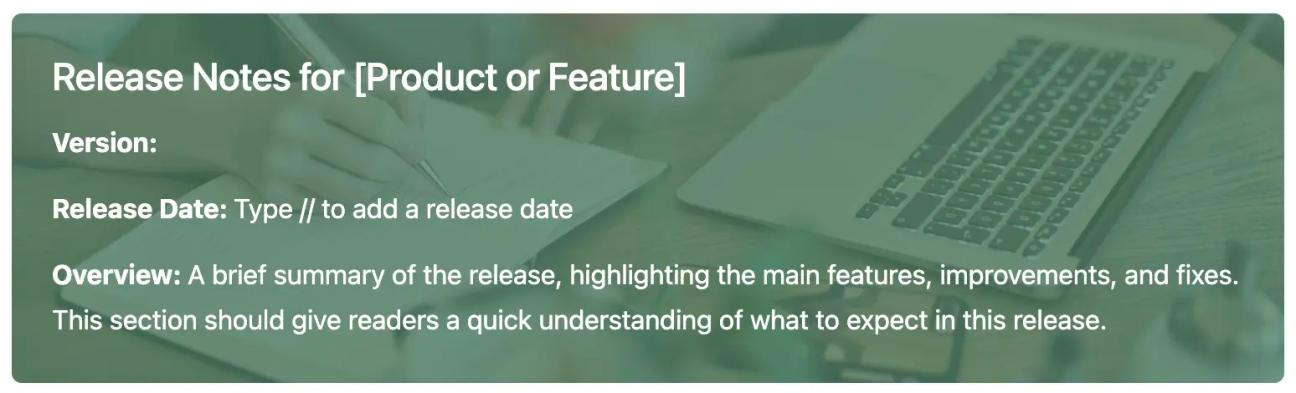
Information about the version number or release date ensures users know exactly which update they’re reviewing.
The first section of the Release Notes Template for Confluence, showing details like version and release date on a green Background macro

Changes and updates

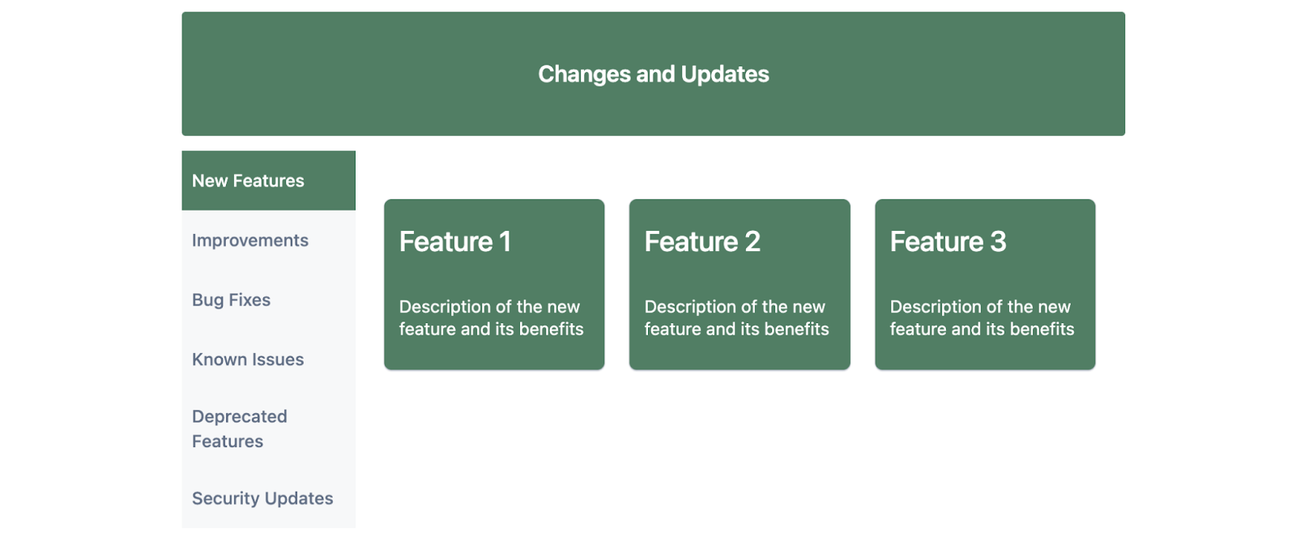
All changes made during the release cycle should be documented in the release notes. This includes any:
  • New features
  • Improvements
  • Bug fixes
  • Deprecated features
  • Security updates
Also, include clear explanations of the impact each will have.
A screenshot of the "Changes and Updates" section of the Release Notes Template for Confluence, showing options like "New Features" and "Improvements" in tabs.

Relevant links and next steps

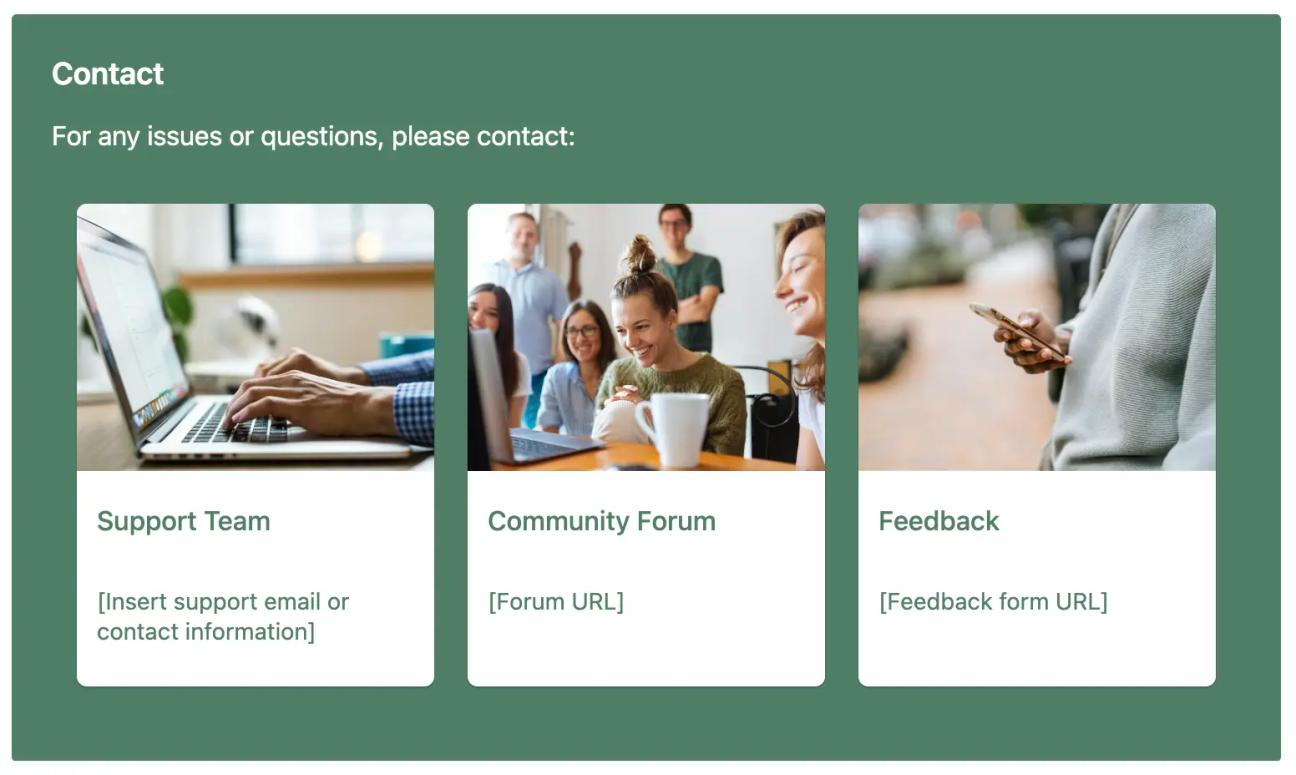
Our Release Notes Template allows readers to easily navigate to updated documentation, instructions for upgrading, and contact details for support or feedback, so customers and stakeholders can always find what they need.

A screenshot of the "Contact" section of the Release Notes Template for Confluence, showing options like "Support Team", "Community Forum", and "Feedback" in Advanced Cards
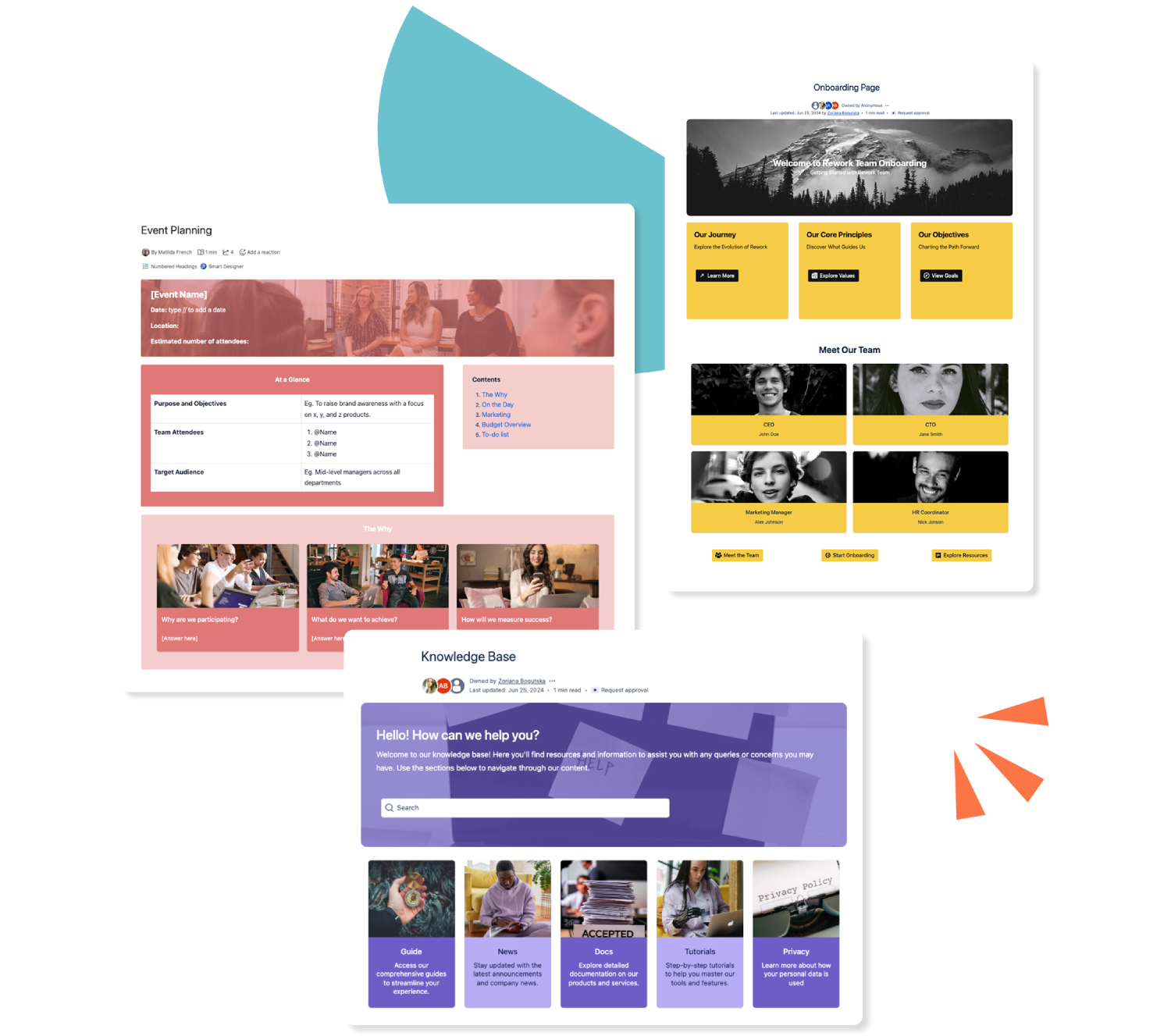
Three colourful Confluence templates stacked over each other

Get this template and more with Mosaic

Try Mosaic completely free for 30 days and see how much time you save with our range of engaging templates.

Explore more Confluence templates

A how-to article template on Confluence

Confluence How-to Article Template

A how-to article gives an at-a-glance overview of everything to do with your business. Use our how-to article template today.
Read more
A Confluence template for documentation

Confluence Documentation Template

Ensure readers can (and do!) readily consume your important content with our easy-to-use documentation template.
Read more
A template for a knowledge base in Confluence

Confluence Knowledge Base Template

Make your Confluence knowledge base a space of beauty, with dynamic elements to make everyone stare! Our customisable templates make it easy.
Read more