Migrate with Mosaic

Are you taking flight from Confluence Data Center to Cloud? You’re not alone. Move Mosaic with confidence, without getting lost in the cloud.
A gaggle of geese flying in formation
Migrating to Confluence Cloud is a big step, and it's important to understand how the move affects your Mosaic macros. That’s why we’re here: to make the transition as smooth and seamless as possible for you.

Looking for tailored advice for your organisation? Our team will be delighted to help you - please get in touch.

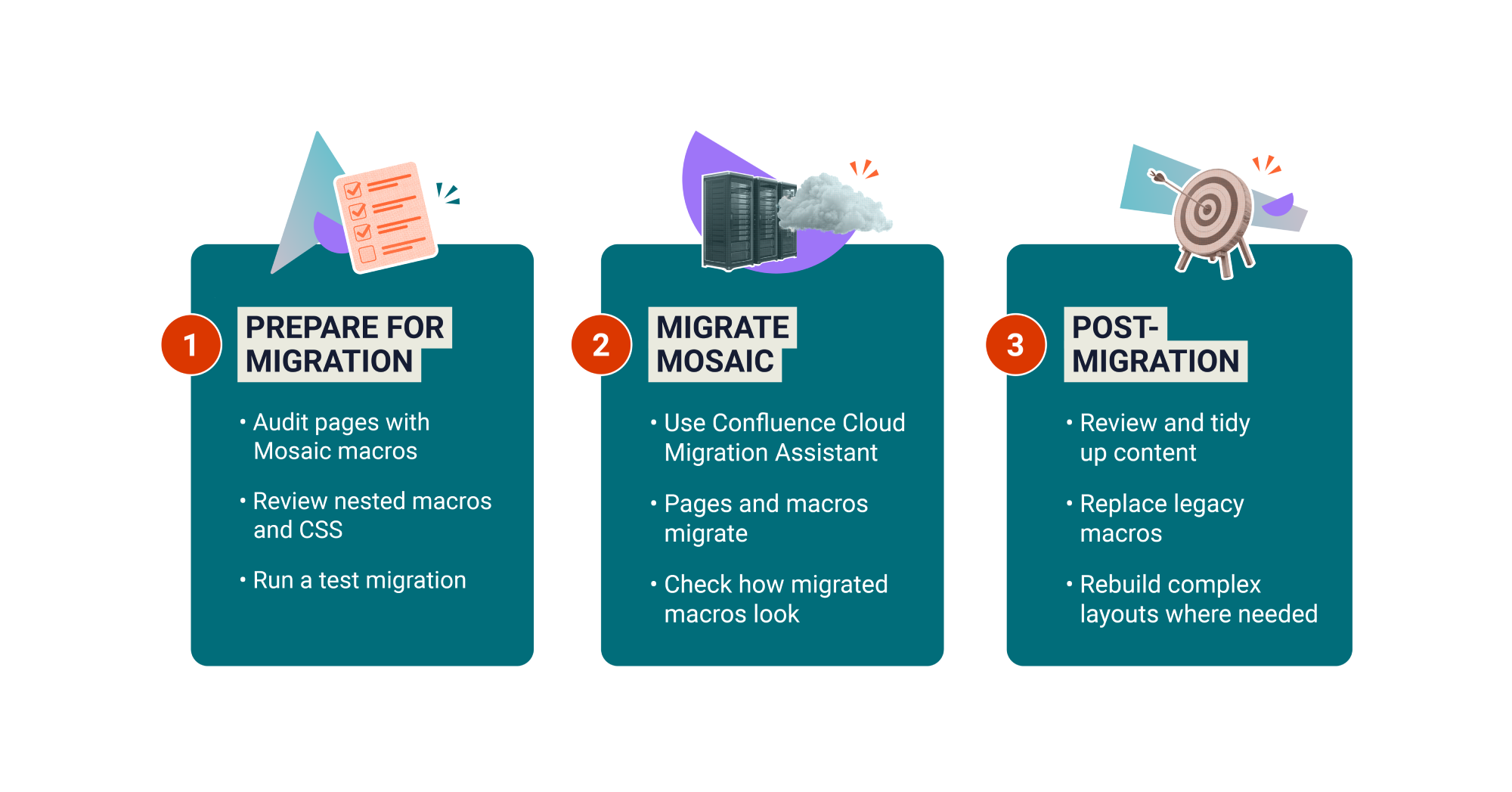
Migrate Mosaic in three steps:

An infographic showing the three key steps for migrating Mosaic for Confluence

Get your Mosaic macros migration-ready

Follow our three-step checklist to get your content ready to move to Confluence Cloud.

☐ Step 1: Understand platform differences


Confluence Cloud comes with many built-in features that DC doesn’t, meaning you no longer need many of the old macros to achieve the same effect. Because of this, Mosaic for Cloud offers a slimmer but much more powerful set of macros and features, as well as some new Cloud exclusives.

Mosaic Cloud vs Mosaic DC

Mosaic for CloudMosaic for Data Center
HTML and CSS support
JavaScript support (Advanced Edition)
40+ templates for the most popular use cases
Smart Designer: Page design wizard
Numbered Headings
Built-in stock image library
Brand Kits (Advanced Edition)
Bulk view, manage, delete pages (Advanced Edition)
Live in-app support

☐ Step 2: Assess your macro usage


Before migrating, it’s important to understand how Mosaic macros are used across your instance, including which spaces rely heavily on them, and how complex the implementations are. Mosaic Macro Usage Report is a dedicated tool to help you get your pages migration-ready as smoothly as possible. It lists all pages containing Mosaic macros and shows their migration readiness status.

  1. In your Confluence Data Center instance, click the Cog icon in the top-right corner to open Confluence Administration.
  2. Navigate to General Configuration.
  3. Under Mosaic Macros, click Macro Usage Report.

☐ Step 3: Prepare nested macros for Cloud

If your Data Center site contains many macros within other macros, the migrated results might differ from your intended results.
We recommend either separating macros or rebuilding the functionality using Cloud macros. Some scripts and tools are available for assisting with bulk macro updates, but not all scenarios are fully automated yet.
A headshot of Customer Success Manager Abi Brown

Unsure where to begin?


I’m Abi, Kolekti’s Senior Customer Success Manager.
Whatever stage of your migration you're at, I’m here to support you. Book in some time with me below, and let’s discuss the specifics of your Mosaic migration.

Why you’ll love Mosaic for Confluence Cloud

Look forward to more powerful macros, future-forward design, unrivalled support, and more.

Discover better ways to create and curate content in Cloud


In Confluence Cloud, you'll improve the look and feel of your pages in a different but much more efficient way.

With fewer but far more powerful macros and exclusive Cloud-only features, Mosaic delivers time-saving formatting capabilities not possible in Data Center. And with a host of ready-made templates at your fingertips, Confluence page creation has never been easier.
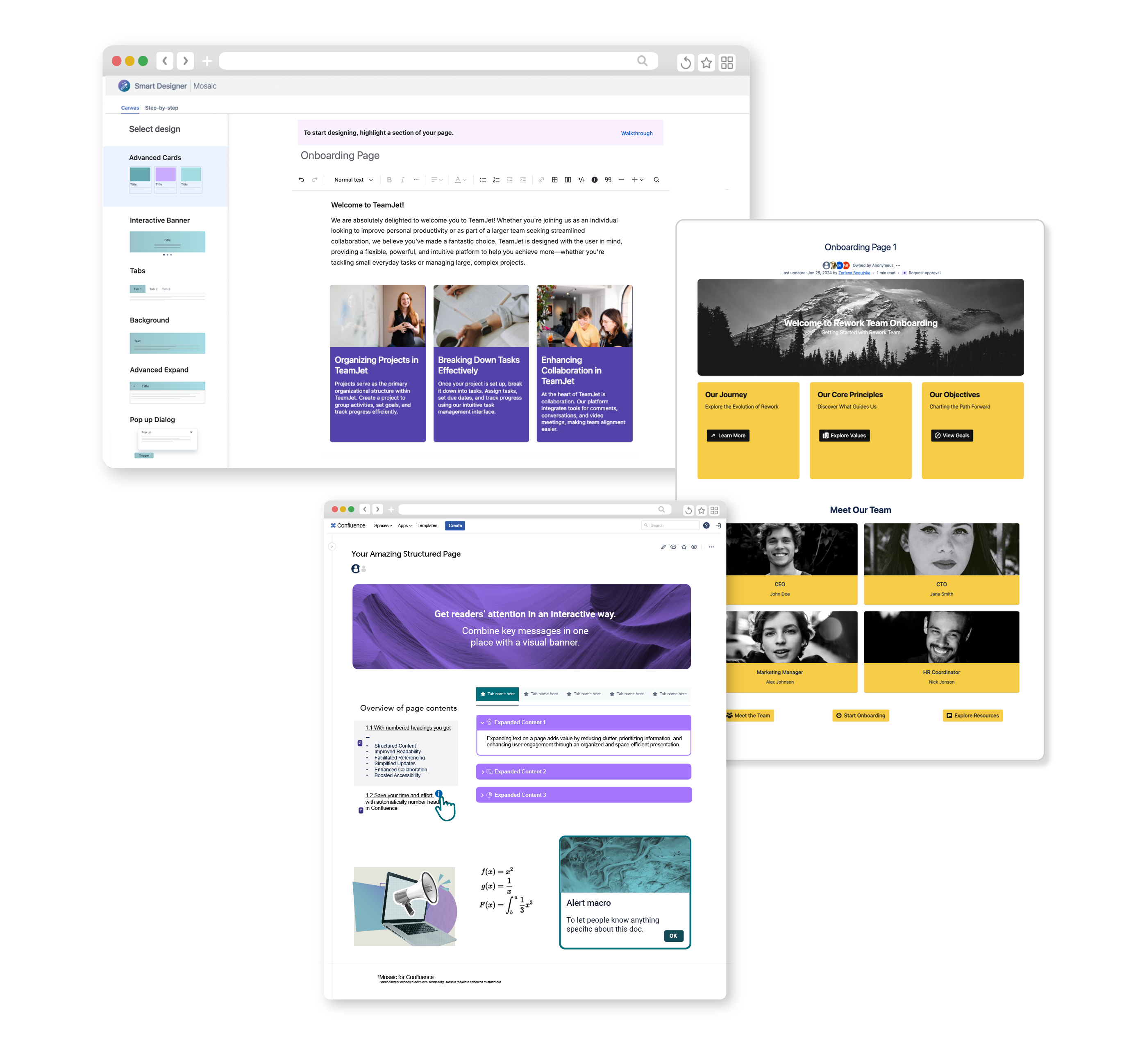
A layout of a Confluence page and two Confluence templates using Mosaic for Confluence Cloud

What's waiting for you in Cloud

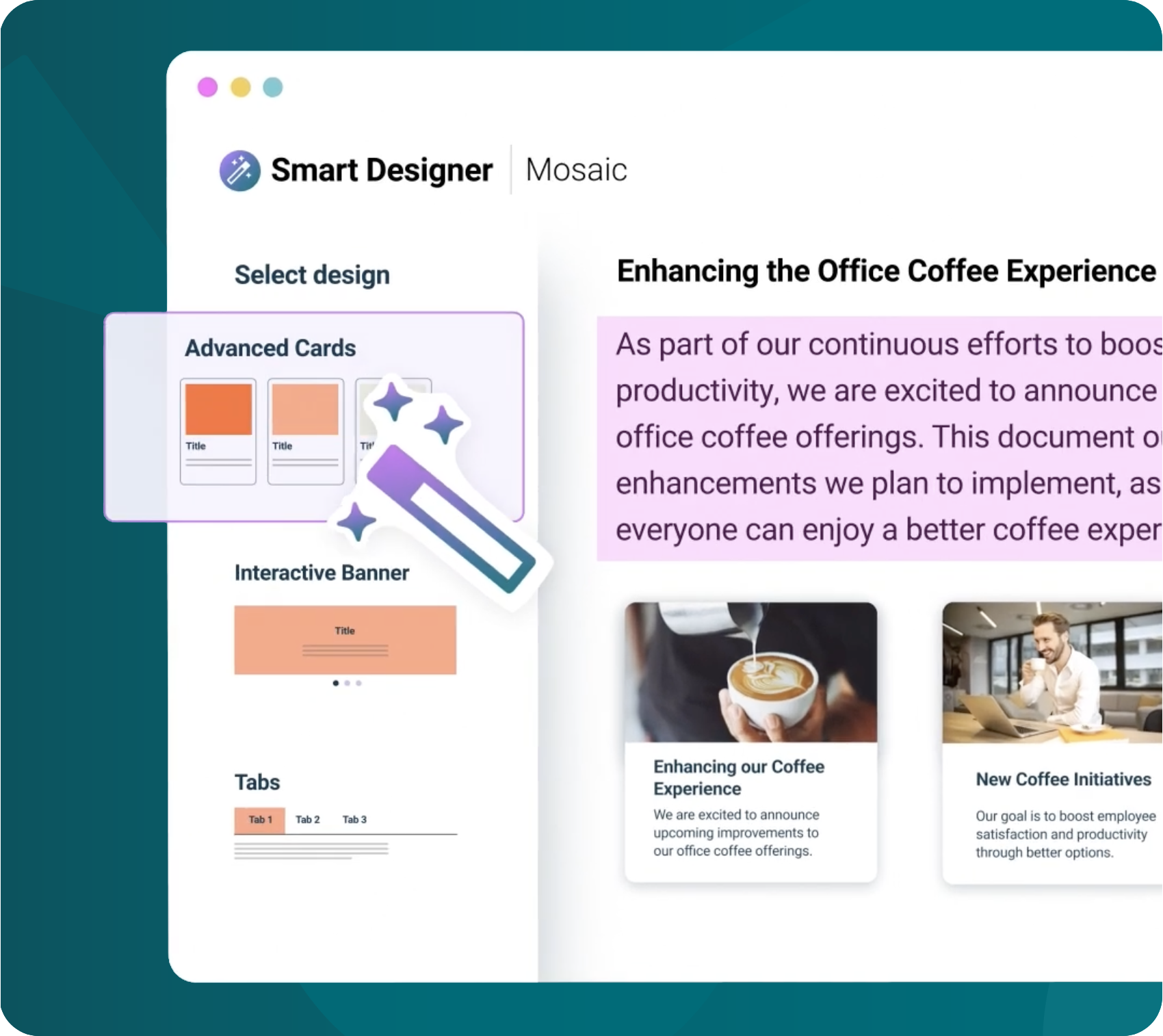
Achieve a polished, organised, and branded look without writing a single line of code. Mosaic Cloud includes must-have formatting features for Confluence Cloud, together with our unique time-saving design wizard, Smart Designer.
Screenshot of a Confluence page with a list of macros to the side
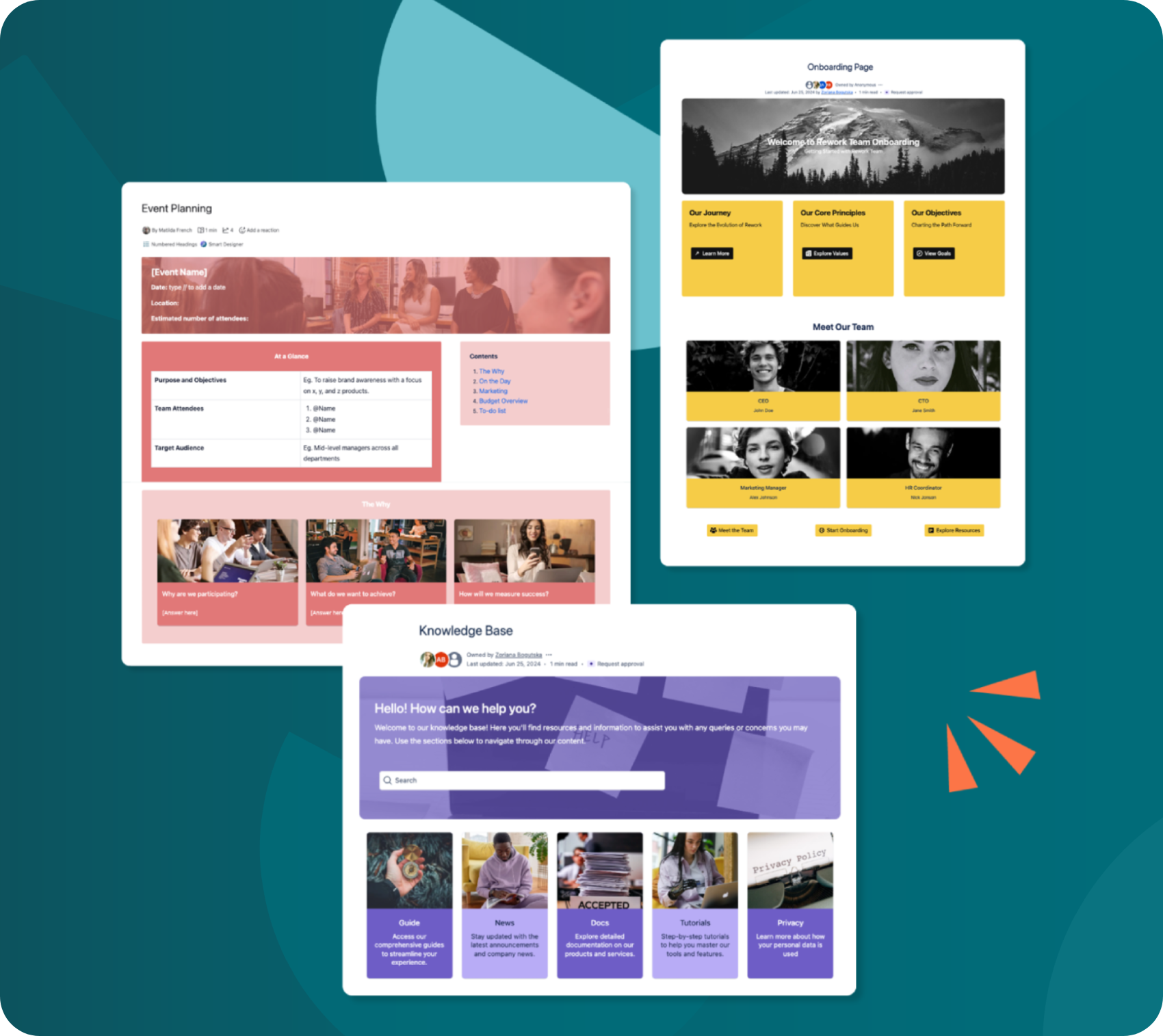
Discover Mosaic's growing suite of useful templates, designed to get you started in less time. Choose from over 45 pre-built page designs, including Company Hub, Team Homepage, FAQ, Monthly Report, and more.
Three screenshots of colourful Confluence Cloud templates
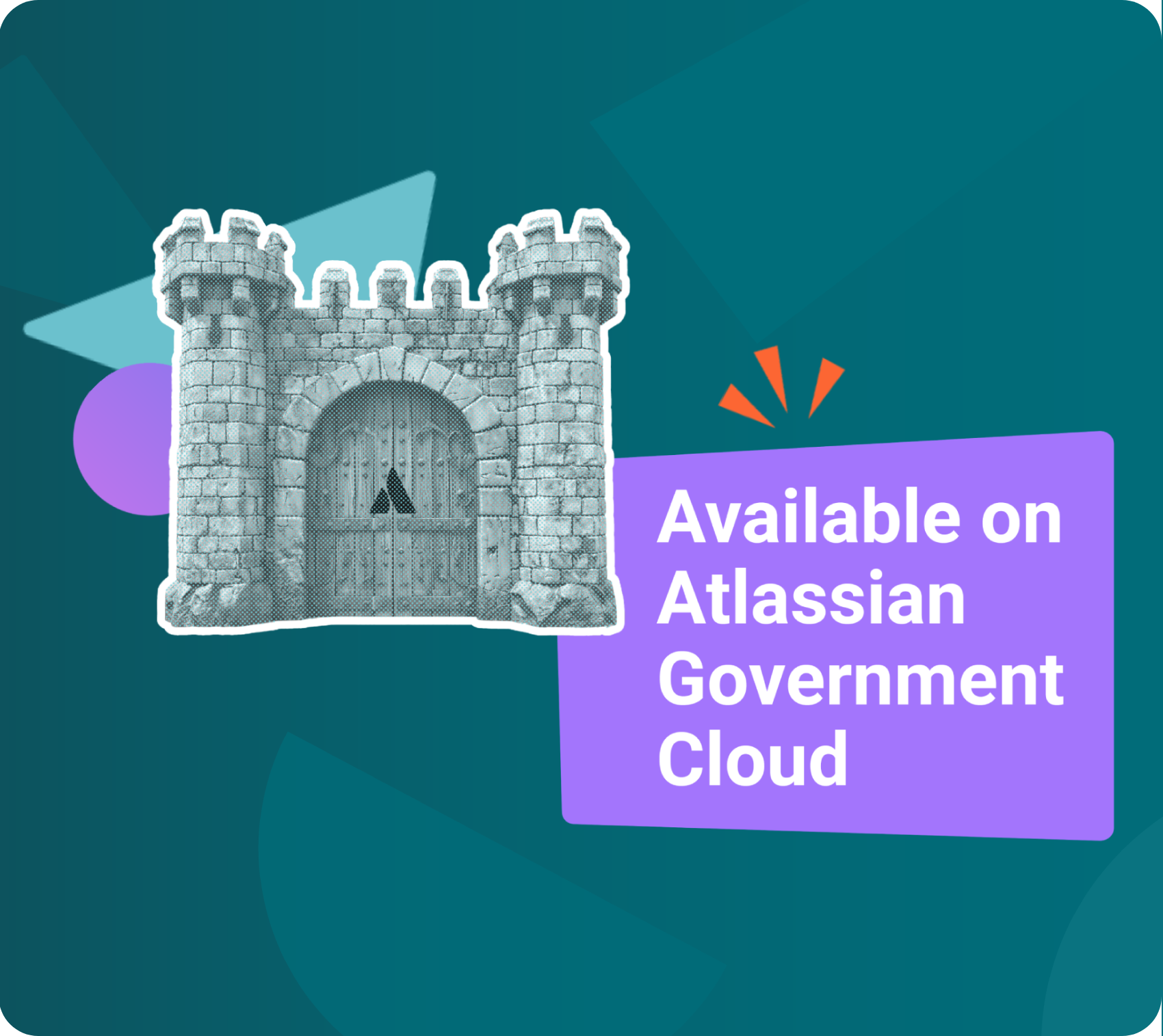
Mosaic comes with advanced data egress controls, is available on Atlassian Government Cloud (and soon on Isolated Cloud), and is 100% on Forge, giving you more say over your data. Mosaic Cloud also has an extensive roadmap of improvements and feature releases to look forward to.
A castle beside the text "Available on Atlassian Government Cloud"
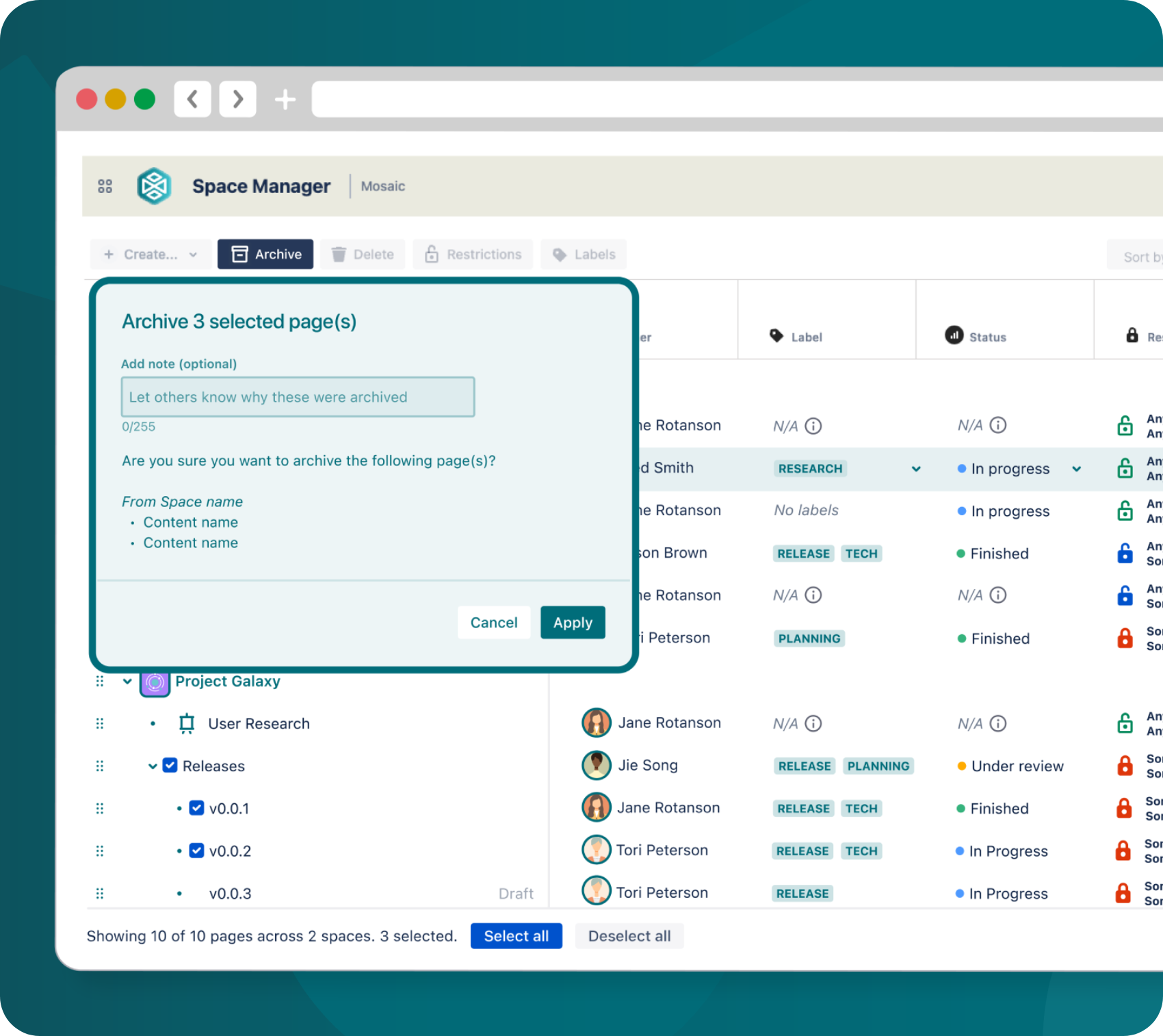
Stay on top of your Confluence content with Space Manager. Bulk organise, edit, archive, and delete pages, saving time and energy. You can even create multiple pages in minutes with page tree presets and templates. Manage it all in one intuitive, handy control centre - no coding needed.
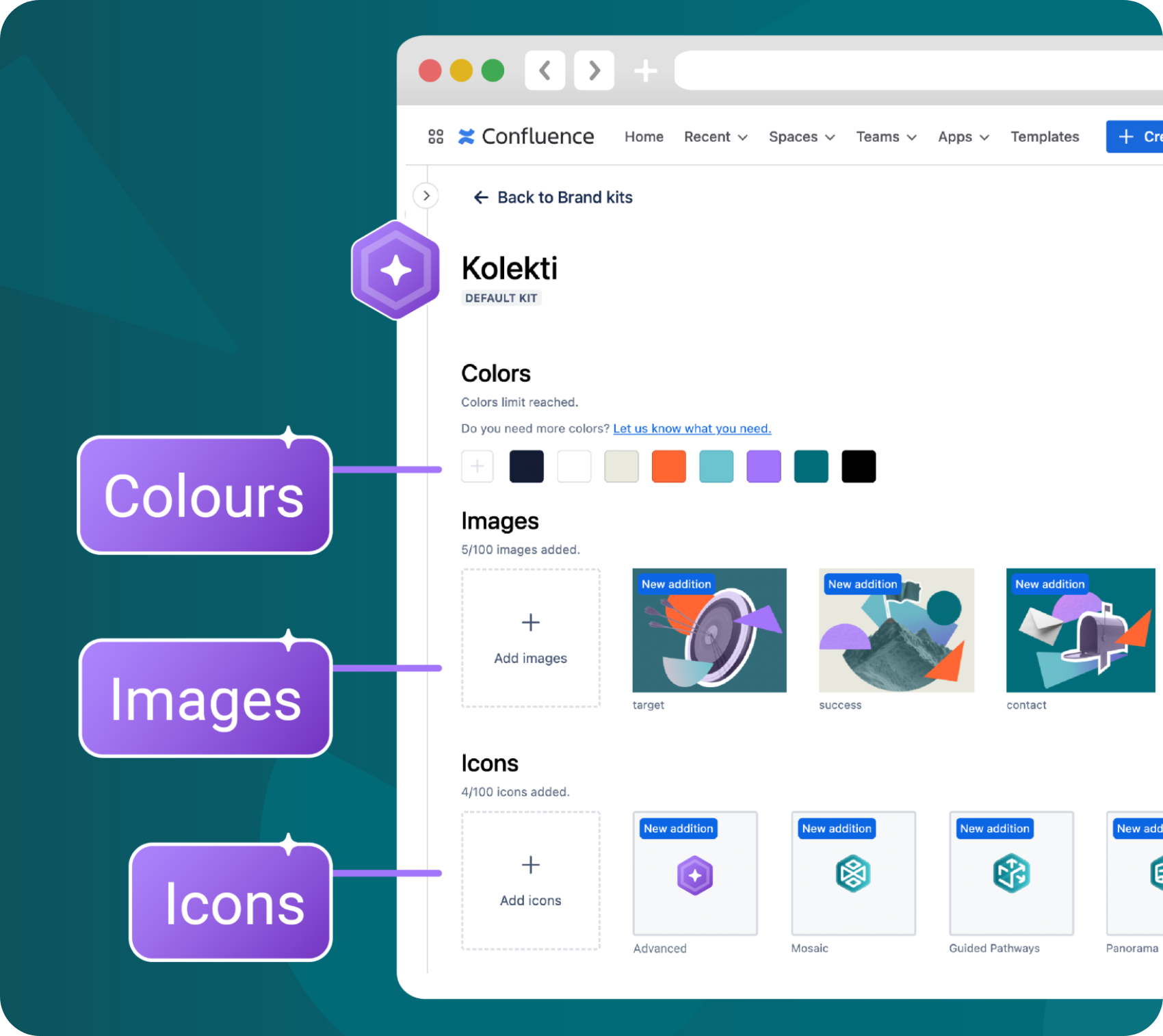
Screenshot of a Confluence page with different brand colours and images selected
Save time creating consistent and professional content with the integrated Brand Kit library. Eliminate repetitive settings - your custom images, icons, and colour palettes are always at hand.
A dashboard showing a list of different Confluence pages and data, with an overlay asking a user to confirm archiving three Confluence pages
Achieve a polished, organised, and branded look without writing a single line of code. Mosaic Cloud includes must-have formatting features for Confluence Cloud, together with our unique time-saving design wizard, Smart Designer.
Discover Mosaic's growing suite of useful templates, designed to get you started in less time. Choose from over 45 pre-built page designs, including Company Hub, Team Homepage, FAQ, Monthly Report, and more.
Mosaic comes with advanced data egress controls, is available on Atlassian Government Cloud (and soon on Isolated Cloud), and is 100% on Forge, giving you more say over your data. Mosaic Cloud also has an extensive roadmap of improvements and feature releases to look forward to.
Stay on top of your Confluence content with Space Manager. Bulk organise, edit, archive, and delete pages, saving time and energy. You can even create multiple pages in minutes with page tree presets and templates. Manage it all in one intuitive, handy control centre - no coding needed.
Save time creating consistent and professional content with the integrated Brand Kit library. Eliminate repetitive settings - your custom images, icons, and colour palettes are always at hand.
Screenshot of a Confluence page with a list of macros to the side
Three screenshots of colourful Confluence Cloud templates
A castle beside the text "Available on Atlassian Government Cloud"
Screenshot of a Confluence page with different brand colours and images selected
A dashboard showing a list of different Confluence pages and data, with an overlay asking a user to confirm archiving three Confluence pages
Achieve a polished, organised, and branded look without writing a single line of code. Mosaic Cloud includes must-have formatting features for Confluence Cloud, together with our unique time-saving design wizard, Smart Designer.
Screenshot of a Confluence page with a list of macros to the side
Discover Mosaic's growing suite of useful templates, designed to get you started in less time. Choose from over 45 pre-built page designs, including Company Hub, Team Homepage, FAQ, Monthly Report, and more.
Three screenshots of colourful Confluence Cloud templates
Mosaic comes with advanced data egress controls, is available on Atlassian Government Cloud (and soon on Isolated Cloud), and is 100% on Forge, giving you more say over your data. Mosaic Cloud also has an extensive roadmap of improvements and feature releases to look forward to.
A castle beside the text "Available on Atlassian Government Cloud"
Stay on top of your Confluence content with Space Manager. Bulk organise, edit, archive, and delete pages, saving time and energy. You can even create multiple pages in minutes with page tree presets and templates. Manage it all in one intuitive, handy control centre - no coding needed.
Screenshot of a Confluence page with different brand colours and images selected
Save time creating consistent and professional content with the integrated Brand Kit library. Eliminate repetitive settings - your custom images, icons, and colour palettes are always at hand.
A dashboard showing a list of different Confluence pages and data, with an overlay asking a user to confirm archiving three Confluence pages
ISO/IEC 27001 Certified badge
Cloud Fortified badge
100% on Forge badge
AICPA SOC 2 badge

Frequently asked questions (FAQs)

We provide migration support through documentation, migration guidance, and direct assistance from our team to help you plan and migrate with confidence.

If you have a more complex migration, please get in touch. We can offer dedicated support, including migration consultation calls, implementation guidance, and help reviewing high-risk use cases.
Yes, Mosaic migration can be done with Atlassian’s CCMA via the “install-only” path: you just need to install the Mosaic Cloud app on your Confluence Cloud site, and no additional target-side changes are required.
Yes! Mosaic for Atlassian Government Cloud is available for government customers, with specific security and feature differences. Reach out to us for more details.
Icon of a white rocket in a purple circle

Need help with migration?


Whether you're early in your Cloud migration planning or already underway, we’re here to help you move Mosaic with confidence.