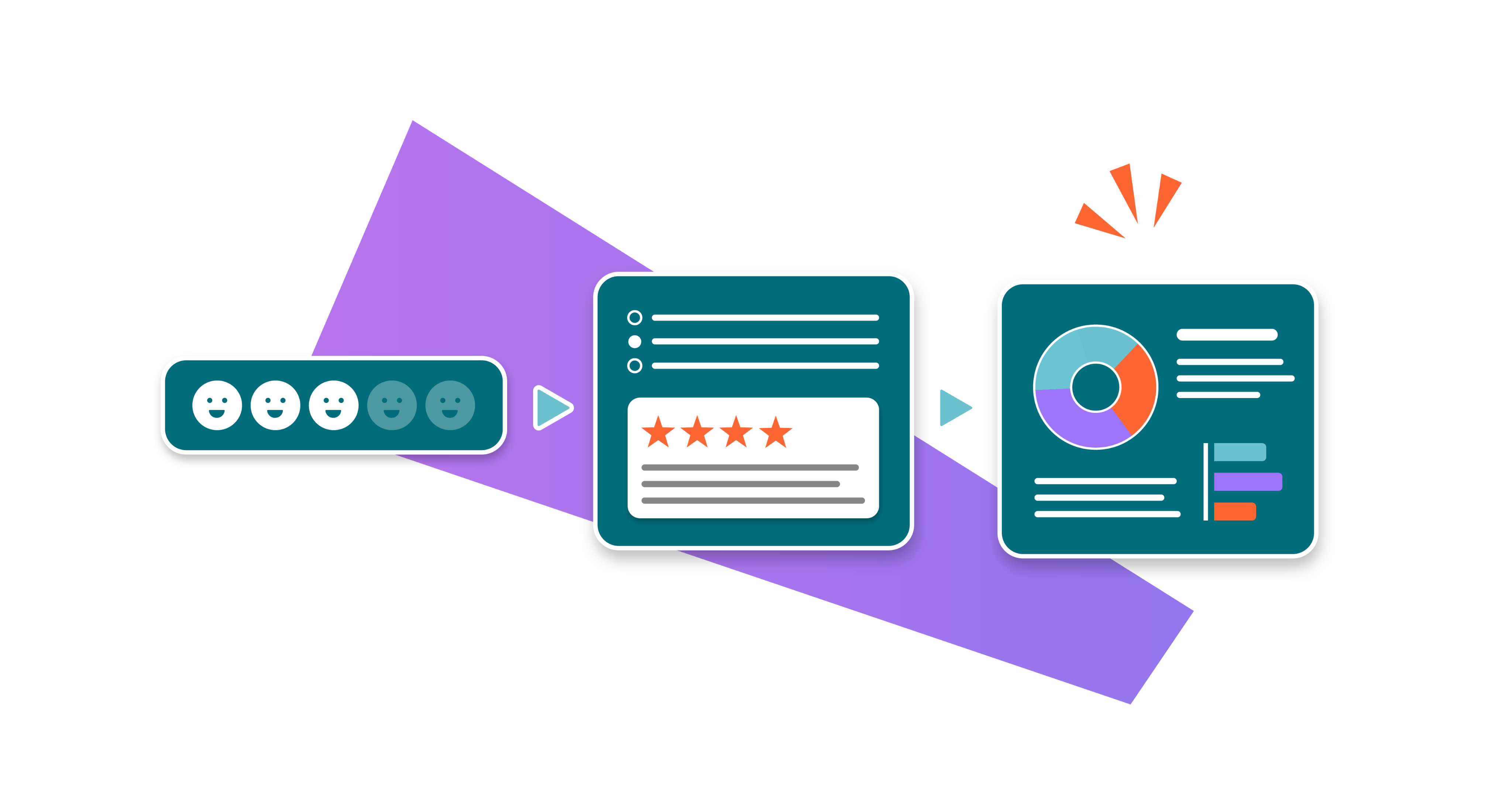
Forms for Confluence isn't just a survey-building tool. Learn how to get the most out of your investment and create workflows that genuinely work.
Teams rely on information at multiple points throughout their work: when a request is raised, when feedback is gathered, and when decisions are made.
But in many teams, that information still arrives incomplete, in different formats, and is often stored across different places and tools. This means that teams waste time chasing clarity and piecing together what happened before work can move forward.
Whether you're already a
Forms for Confluence customer or looking for the right way to make workflows work in Confluence, the good news is this: Forms doesn't just create “one and done” intake forms. With the right setup, it's a great way to keep information consistent, visible, and up to date as work progresses.
Forms for Confluence: built for how work actually happens
Most teams first adopt forms to standardise requests. That's a great start, but there's so much more you can do. In fact, teams are using Forms across their workflows for tasks such as:
- Capturing requests consistently so nothing critical is missed.
- Gathering feedback during a process so that input is structured and easy to compare.
- Collecting inputs to support decisions so reviewers can make calls with confidence.
- Keeping everything visible in one place so context doesn't get lost in chat threads.
How Forms for Confluence's features support your workflows
In case you're not aware, here's some of what comes with your Forms licence:
- A variety of feedback tools: Quizzes, polls, forms, and Jira task forms help you neatly gather feedback smartly at every step.
- Notifications: Keep the right people informed every time a submission is made.
- Collaborators: Share forms with other users to share feedback and streamline handoffs across your workflow.
- Data visualisations: Interactive visualisations automatically generated from form data give you quick insights to inform decisions and refine processes.
- Page embed: Add visualisations and responses from multiple forms to a Confluence page to create a report across multiple steps of your workflow.
- Export data: Build custom reports and conduct analysis outside of Confluence by easily exporting charts and response data.
How to create workflows that work with Forms for Confluence: 3 examples
Now to the practical part of our article. To get the most out of Forms, create structured checkpoints inside a Confluence workflow rather than a single survey that everyone forgets about. Below, we've included three examples of how this could look, but you can include as many or as few steps as you like; use our ideas as frameworks that can be adjusted to your needs.
1. Customer feedback workflow
Ideal for: Understanding your customer's experience of your product/service, the support your company provides, or the quality of your customer-facing knowledge base.
- Step 1. Initial feedback: Gather quick customer thoughts with a brief form (e.g., a star rating form). Add optional contact details fields so your team can gather extra information.
- Step 2. Detailed feedback: A follow-up form for those who provided their details. Gather extra information to improve the customer experience. This form can be sent to customers or filled out by your customer service team.
- Step 3. Present findings: Pull information together from both forms into a single Confluence page. Use Forms for Confluence’s visualisations to easily share data in a digestible format, giving you actionable insights to improve customer service or user experience.
2. Product development direction workflow
Ideal for: Ensuring your new product or feature ticks all the boxes before launch.
- Step 1. Gauge interest: Before you start development, check if customers/would-be customers want it. Use a form for detailed insights (e.g. price point) or a quick poll to vote on the most important next feature.
- Step 2. Feedback: Once you've started developing based on these findings, test your prototype and gather feedback using a form to see if it meets expectations.
- Step 3. Present findings for refinement: Use Forms for Confluence’s Visualisations and Responses Table macros to create a presentation page, indicating how to refine or abandon features.
3. Employee onboarding workflow
Ideal for: Creating an informative and enjoyable onboarding experience while gathering feedback to refine it for future new hires.
- Step 1. Intake form: Streamline initial onboarding with a form that collects new team member contact details and preferences, including preferred equipment.
- Step 2. Knowledge check quiz: At the end of your induction/training, add a quiz to test your new starter's knowledge. For essential training, such as health and safety modules, set a minimum passing score.
- Step 3. Onboarding survey: Cap off the onboarding experience with a form that lets new hires share their feedback.
- Step 4. Improvements: Use the onboarding survey feedback to refine the onboarding experience for future employees. You can easily create a report inside Confluence or export the data for analysis elsewhere.
Keeping your workflows secure with Forge
Forms for Confluence is now built on Atlassian Forge, Atlassian’s latest cloud app platform. This brings Forms closer to how Atlassian Cloud is designed to work, with a more secure foundation for your data.
If your teams already rely on Forms for Confluence, rest assured that your data is safe with us, and Forms is ready for the future of Confluence.
Summary
With Forms for Confluence in place across your workflows, teams can:
- Capture information in a consistent, structured way
- Avoid the back-and-forth of filling in missing details
- Keep inputs visible and easy to review
- Move work forward with greater confidence
And because the information is captured in a structured format, it's easier to revisit later – especially when someone asks, “Why did we decide that?” or “Where did that requirement come from?”.
Create smarter workflows in Confluence
Try Forms for Confluence for free today and never lose feedback again.